In short
Open-source software can form part of a video wall, and public projects exist for tiled playback and scene composition. Choose by the job you need to do: repeating one video across displays is different from operating cameras, authenticated dashboards and remote desktops through a shared control interface.
Open-source video wall options: compare the scope
| Option | Documented purpose | What to check for your wall |
|---|---|---|
| reinzor/videowall | Public-source project for synchronised tiled or mirrored playback | Licence terms, dependencies and present-day hardware compatibility; the README describes older Raspberry Pi and Ubuntu environments |
| OBS Studio | Open-source recording, streaming and scene composition | Display-output layout, interaction with sources and the operator workflow you need |
| GStreamer | Open-source multimedia framework for building media pipelines | Application development, output mapping, supervision and control interface |
These are examples with different scopes, not a complete market ranking or a claim that every repository is ready for a production control room. Check the licence of the exact project and dependencies you intend to distribute. We reviewed the linked project descriptions on 28 September 2026; we have not benchmarked these projects against Craft Wall.
Raspberry Pi and NDI: questions before choosing a design
If your plan uses one Raspberry Pi per display, establish how the image is divided, how players stay in sync and what happens when one restarts. Verify the supported operating system, codec, resolution and network load with the actual devices. For NDI, check the receiver implementation and applicable SDK/licence terms; the word “Linux” does not establish NDI compatibility.
An alternative is to render the canvas centrally and drive panels from one server's GPU outputs. That changes the cabling and failure boundaries, so compare both designs using the same sources and acceptance criteria. Craft Wall uses a Linux/NVIDIA server; the number and resolution of outputs and the processing workload still determine capacity.
When a DIY wall is a good fit
A team with development and operations capacity may prefer a custom solution for a lab, exhibit, repeating media display or specialised workflow. Budget integration, dependency updates, monitoring and support ownership alongside the hardware. There is no universal display-count threshold at which open source stops being suitable.
For an operational wall, write down who restores a failed source, maintains dashboard logins, changes layouts, controls access and supports the installation after its original developer leaves. A commercial product should be tested against the same questions.
A practical comparison checklist
- Run the actual source mix at the intended resolution and frame rates. Include authenticated browser pages if the room needs them.
- Check layout changes and source interaction from the operator's workstation.
- Interrupt a test source and restart a player or controller. Record what remains visible and how recovery works.
- Check permissions, credential handling, update procedure and the support responsibility for every component.
- Compare hardware, integration effort, support and future changes over the same period, not only the licence price.
Where Craft Wall fits
Craft Wall is proprietary commercial software, not an open-source project. Its perpetual licence is €2,500 per server, without per-display, per-source or per-operator fees. It provides a browser console, saved scenes, mixed-source rendering and source supervision on a Linux server with an NVIDIA GPU. Validate the configuration and support terms for your project.
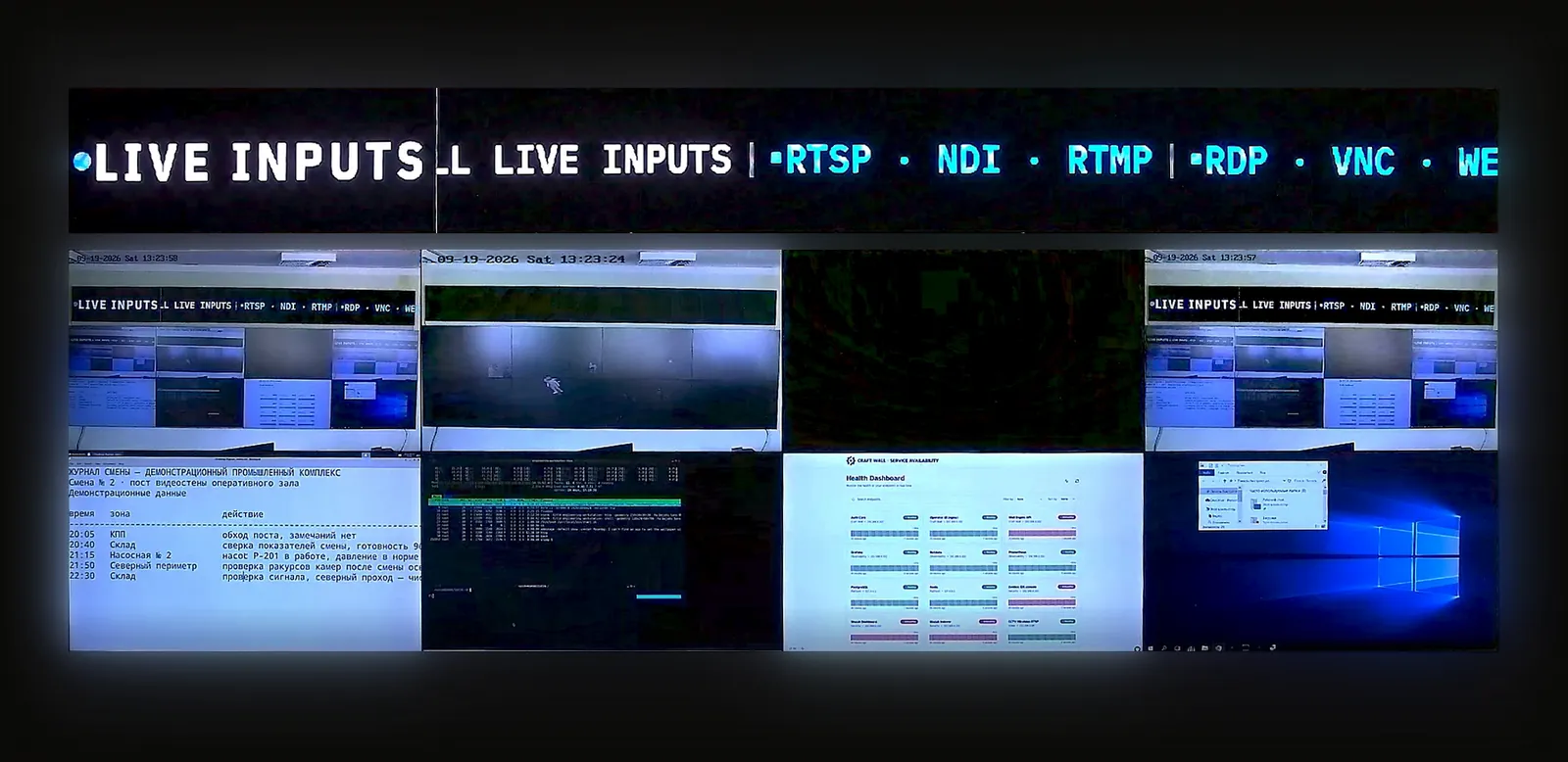
Our existing stand recordings show the product's source types, layout editor and recovery functions. They do not measure the performance of the open-source tools above.
Model hardware and licence costs; add your own engineering and maintenance estimates. For a control-room deployment, use the NOC source and acceptance plan.