See the product
30 minutes on a real video wall: the operator console in your browser and a live camera on the physical wall. Access link in your inbox in a minute, no sales call.
Features · 01 / 06 · included in the licence
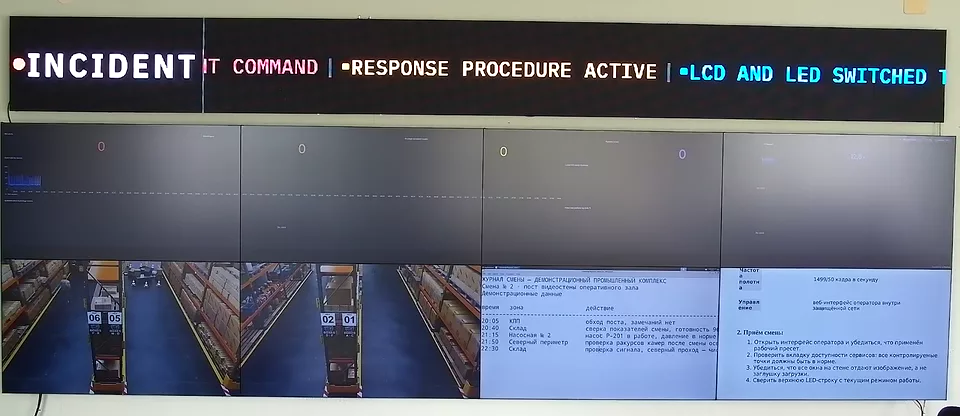
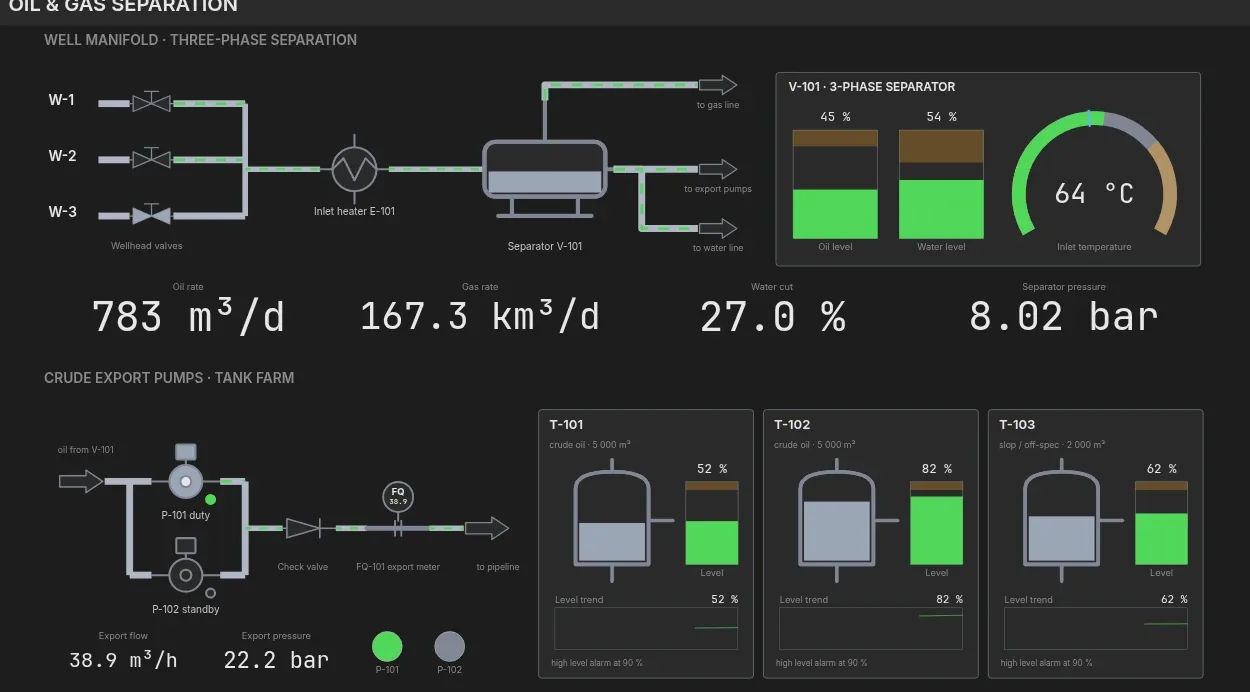
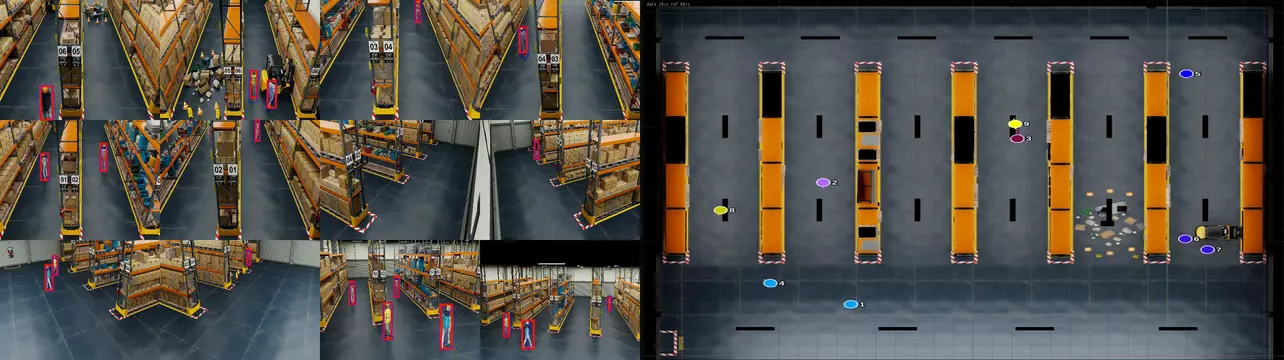
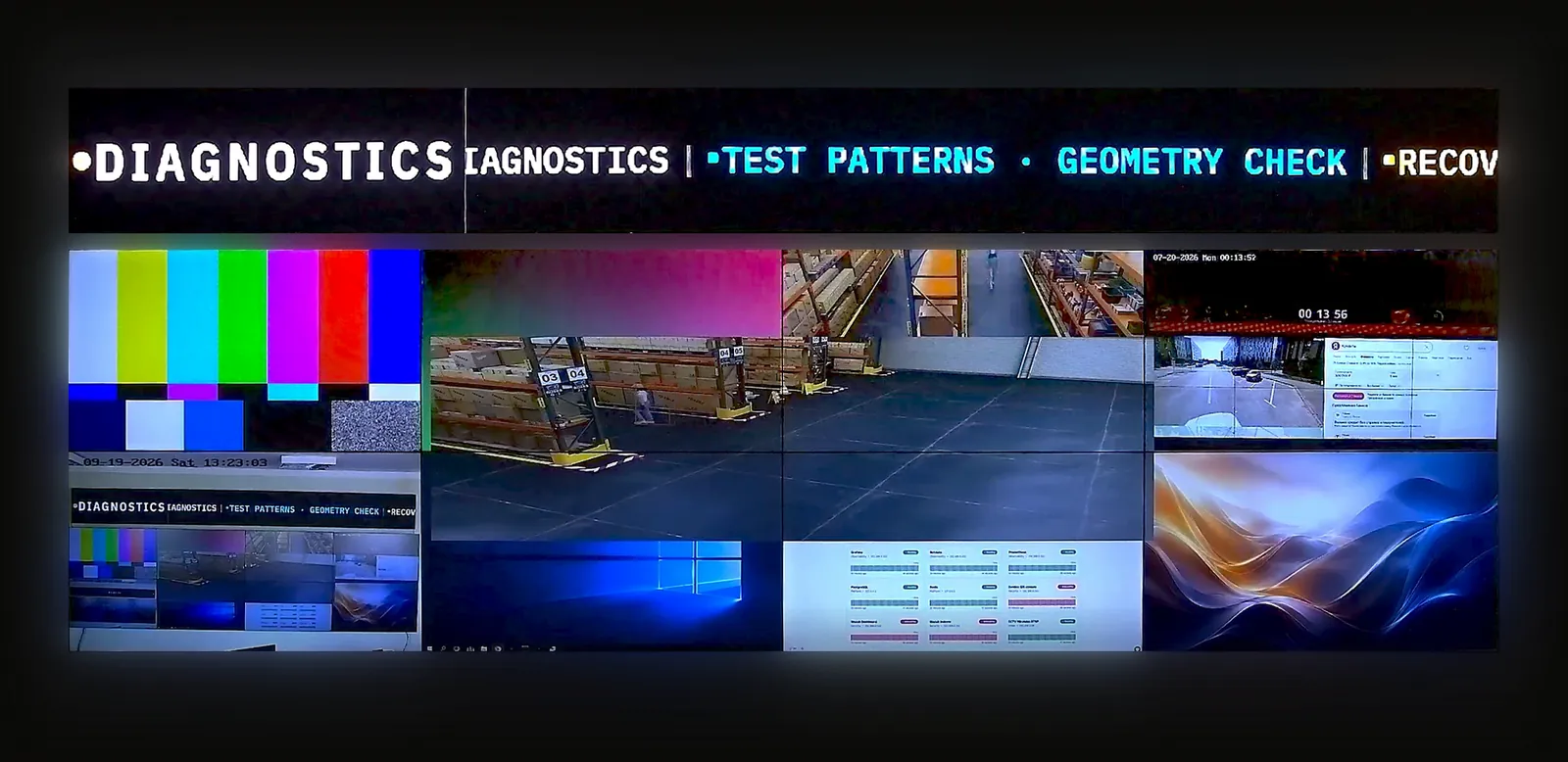
Craft Wall puts every source type into the same window system. Operators add a source in the browser console, place it on the canvas and, where the source allows it, work inside it with their own mouse and keyboard.
30 minutes on a real video wall · access link in your inbox in a minute · no sales call
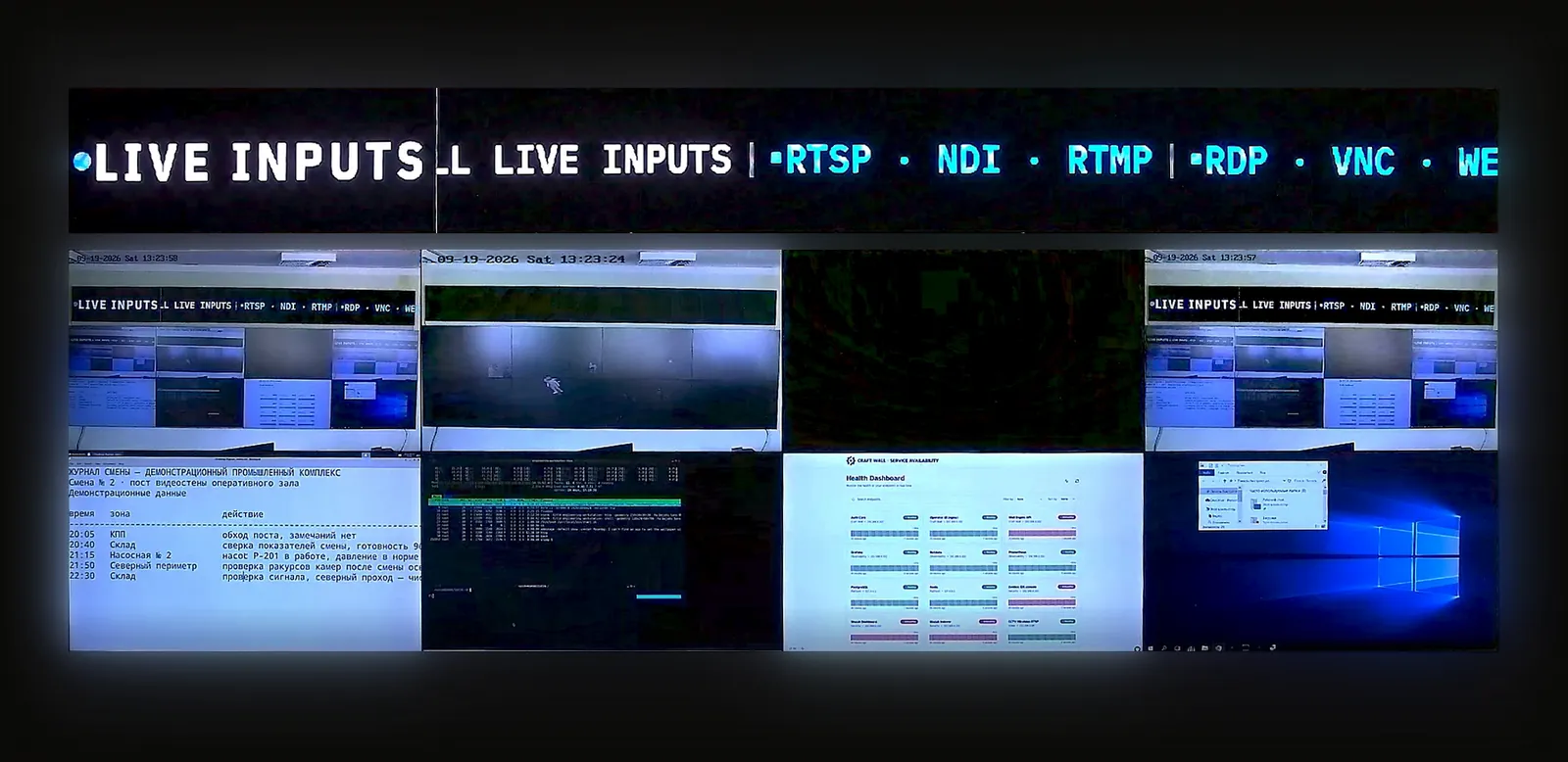
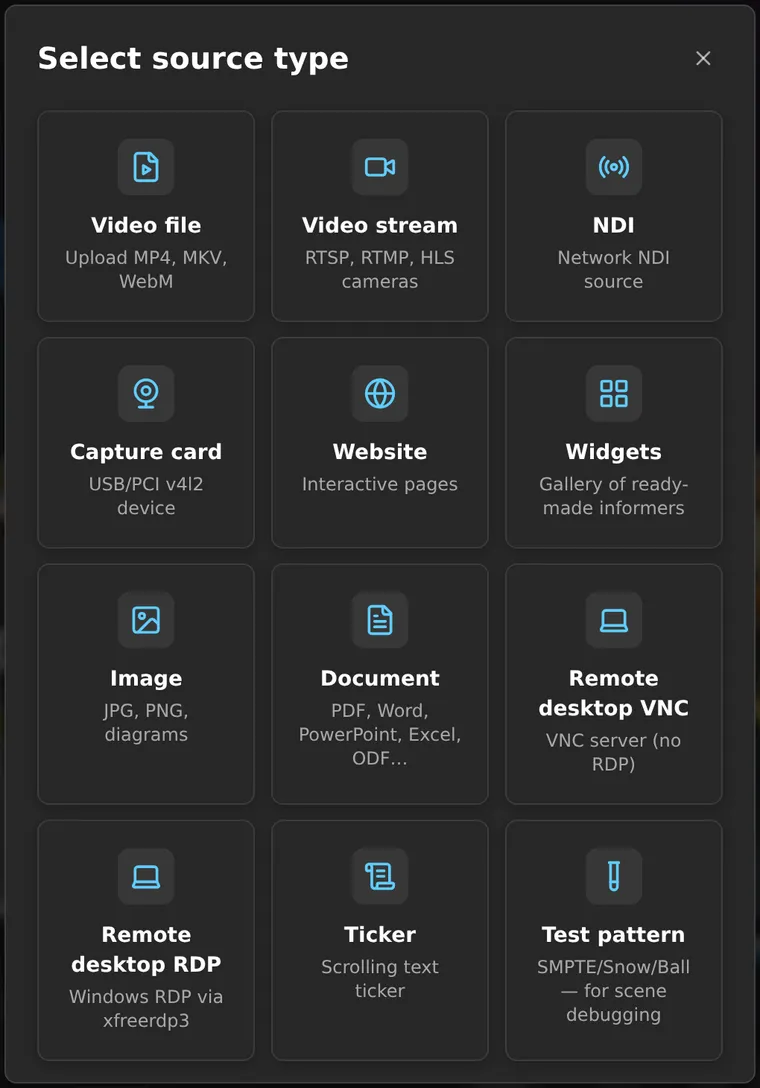
The Add source dialog lists every supported type. All types run on the same canvas at the same time and can be combined in any layout.
A source is added once and reused in any number of scenes. The source list has categories, search and favourites.
Check the formats of your own sources against this table before sizing the server.
| Source type | What it shows | Operator control |
|---|---|---|
| Video stream | RTSP, RTMP, HLS and SRT from IP cameras, encoders and video management systems | Buffer setting per stream |
| NDI | NDI senders discovered on the network | PTZ for NDI cameras |
| Capture card | HDMI or SDI signal through a capture card that Linux exposes as a V4L2 device | Device and pixel format |
| Web page | Dashboards and web applications rendered by a built-in browser engine | Click, type, scroll, navigate, zoom |
| Widgets | Ready-made tiles: clocks, weather, status boards and the SCADA mimic viewer | Settings per widget |
| Remote desktop RDP | Windows desktops | Keyboard and mouse |
| Remote desktop VNC | Any VNC server | Keyboard and mouse |
| Document | PDF, Word, Excel, PowerPoint and OpenDocument files | Pages, zoom, slideshow or auto-scroll |
| Video file | MP4, MKV and WebM, decoded on the GPU | Play, pause, seek, loop |
| Image | JPG, PNG, diagrams and plans | — |
| Ticker | A scrolling text line | Text, colour, speed |
| Test pattern | Patterns for display set-up | — |
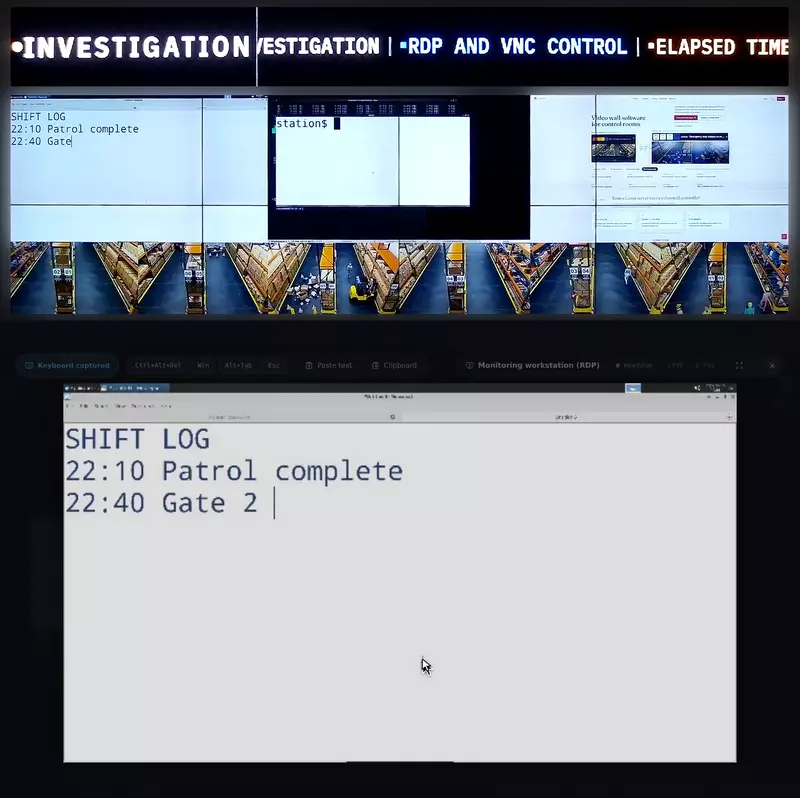
Double-click a web page, RDP or VNC window to open it in control mode. Your mouse and keyboard go to that source, and the wall keeps showing it to the room.
An operator moves from a Windows desktop to a Linux terminal and on to a dashboard in the same browser tab. No KVM switch or second keyboard is involved.
Each web window is a separate browser process. Set the address, automatic login, crop area and custom CSS once.
The wall restores each page's address, zoom and scroll position after a restart.
If a page stops responding or keeps growing in memory, Craft Wall reloads that page only, and only while no operator is working in it.
Streams are decoded on the NVIDIA GPU and stay in video memory until they reach the display.
When a camera drops, its window keeps its place and the stream reconnects without operator action.
NDI senders are discovered on the network. NDI cameras with pan, tilt and zoom are steered from the window's control panel.
The server renders PDF and office documents itself, so no workstation is needed to show them. A document can run as a slideshow or scroll automatically.
Video files are decoded on the GPU and can loop. A ticker adds a scrolling text line, and a conference room can be shown as a wall window.
Source count alone does not size a server. Collect these facts first.
Read the datasheet or the TCO methodology before arranging a demonstration.
Features
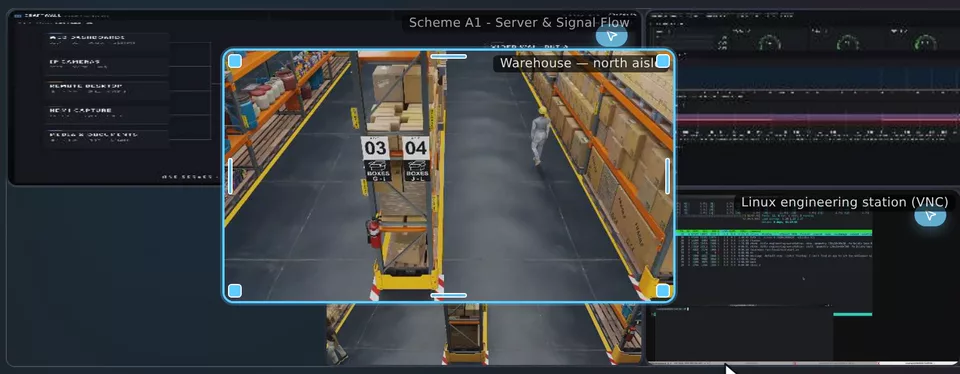
30 minutes on a real video wall: the operator console in your browser and a live camera on the physical wall. Access link in your inbox in a minute, no sales call.
Share the display layout, sources and requirements. We will discuss the configuration and prepare a quote.
For integrators and resellers evaluating software for customer projects.