See the product
30 minutes on a real video wall: the operator console in your browser and a live camera on the physical wall. Access link in your inbox in a minute, no sales call.
Features
The core puts every source on one canvas and switches scenes on alarms and schedules. SCADA and AI analytics run on the same server, included. Every recording below is the product stand, nothing redrawn.
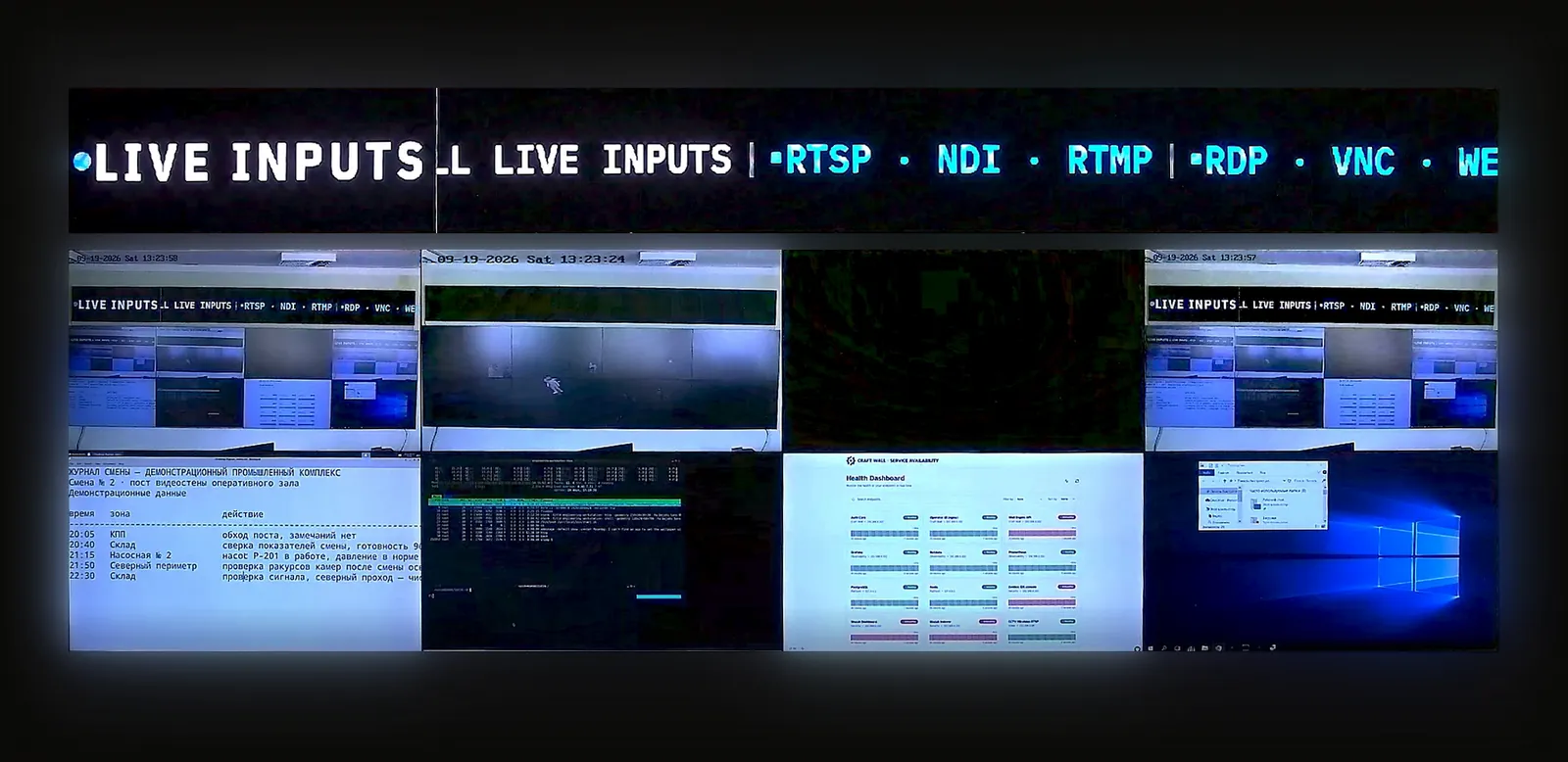
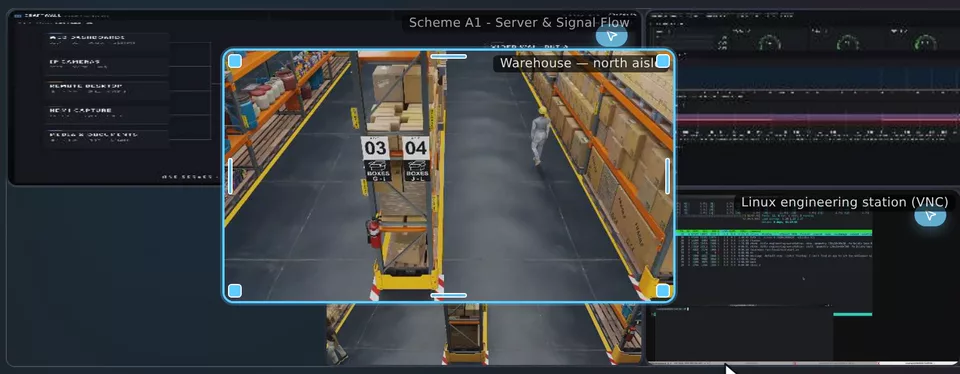
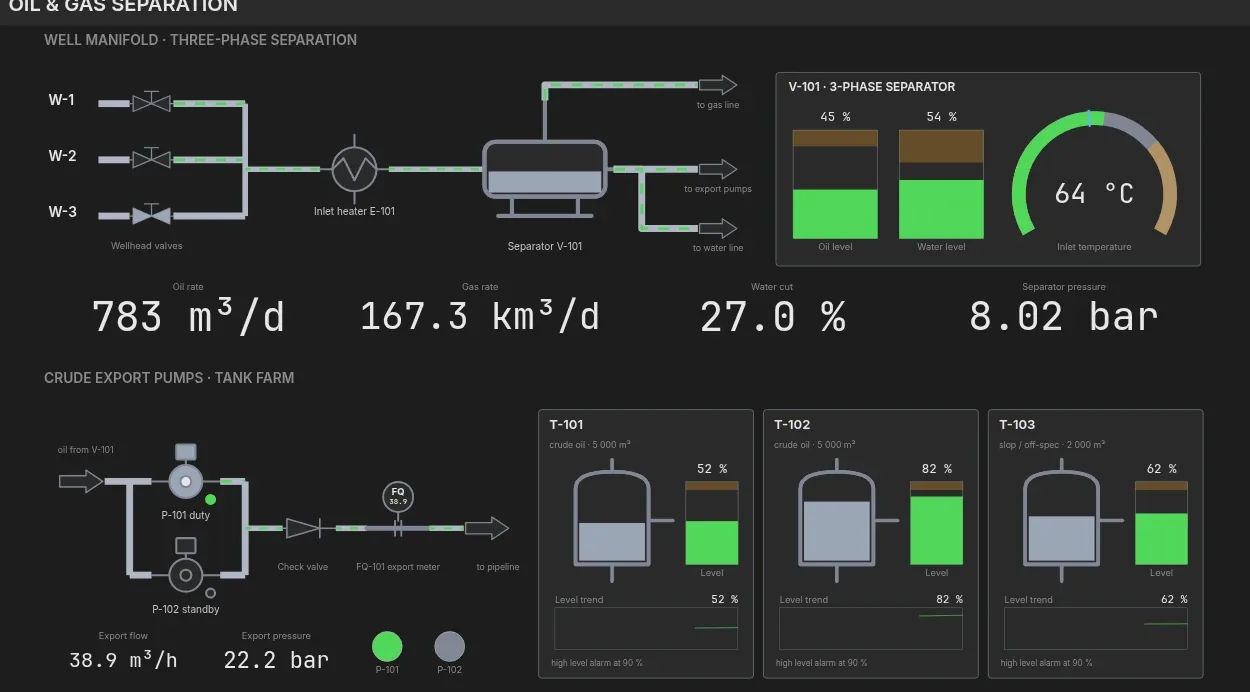
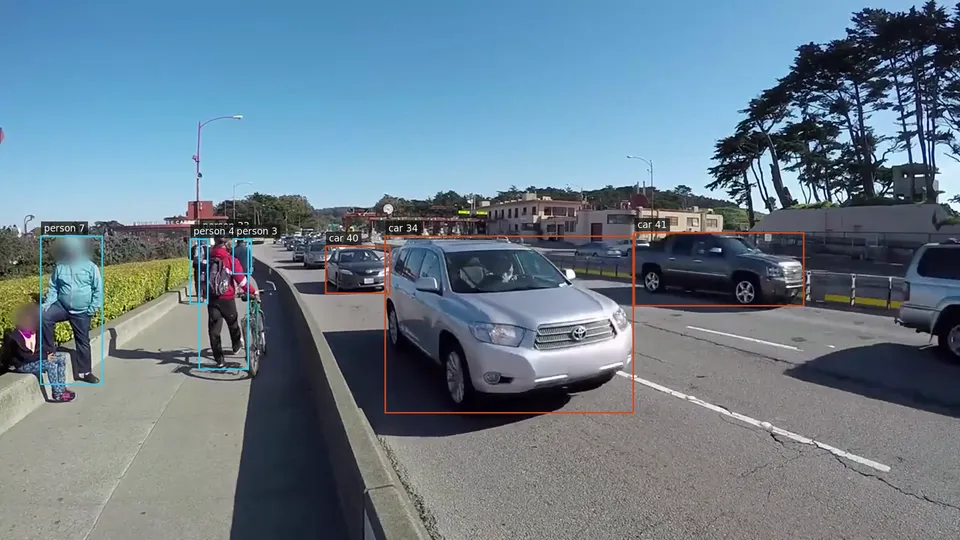
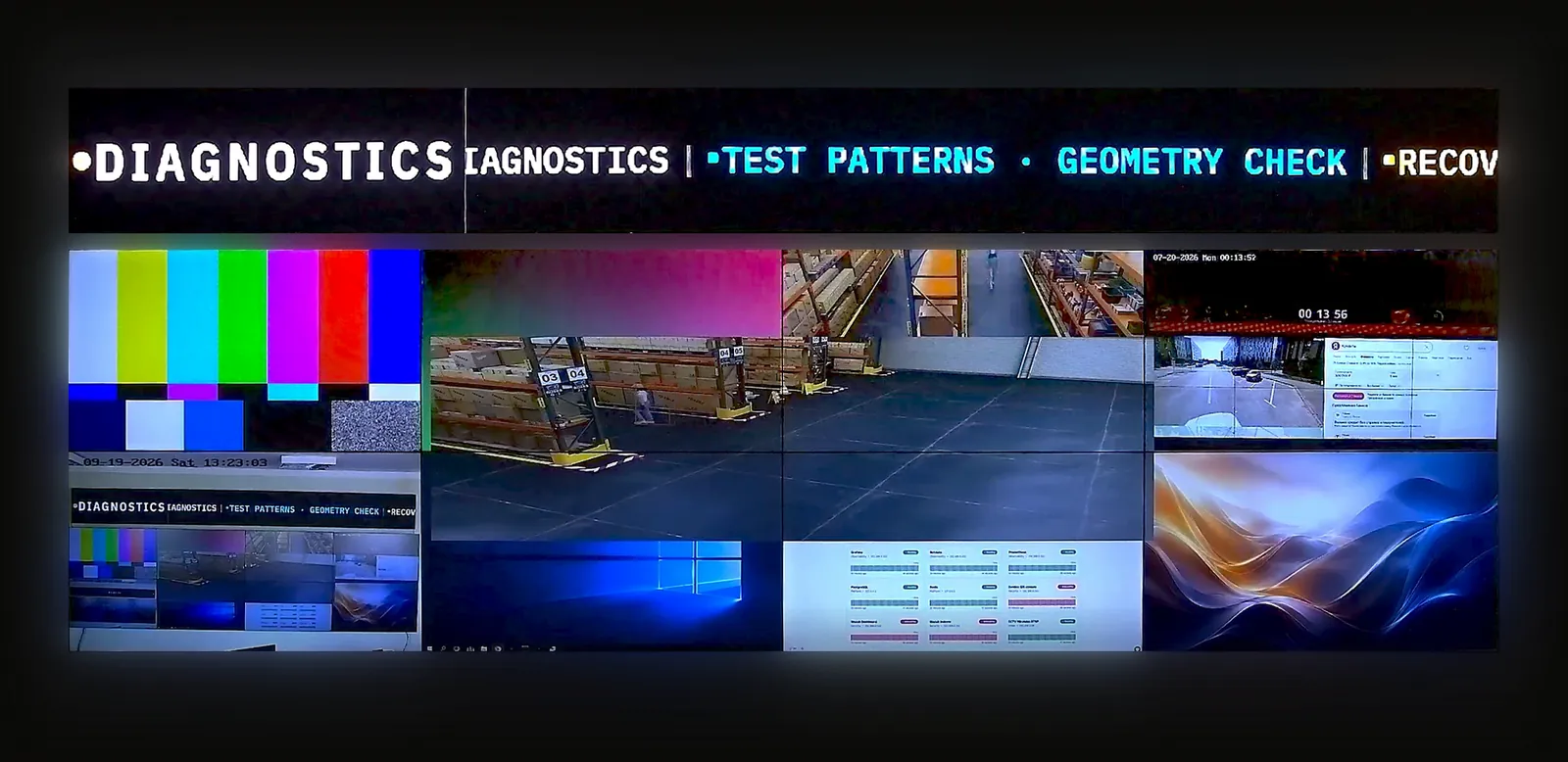
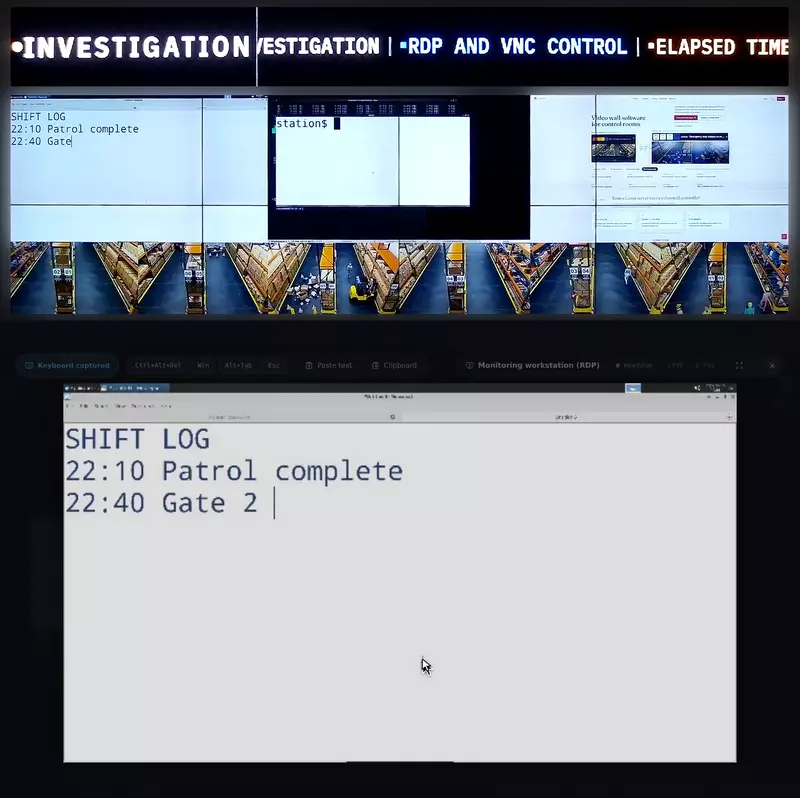
Cameras, web dashboards, RDP/VNC, NDI, HDMI/SDI capture, conferences, documents and video share the wall. Work with your sources in the browser console.
Connect RTSP/RTMP/HLS/SRT cameras, NDI, HDMI/SDI capture, web pages, RDP/VNC, conferences, documents, video files and OSD. Check actual formats and access permissions before sizing the server.
Open the browser console to add sources and switch layouts. Multiple operators work with the same wall without installing a desktop client.
Multiple operators can use the browser console. During the demonstration, review your laptop or tablet workflow and agree which users should access each source and scene.
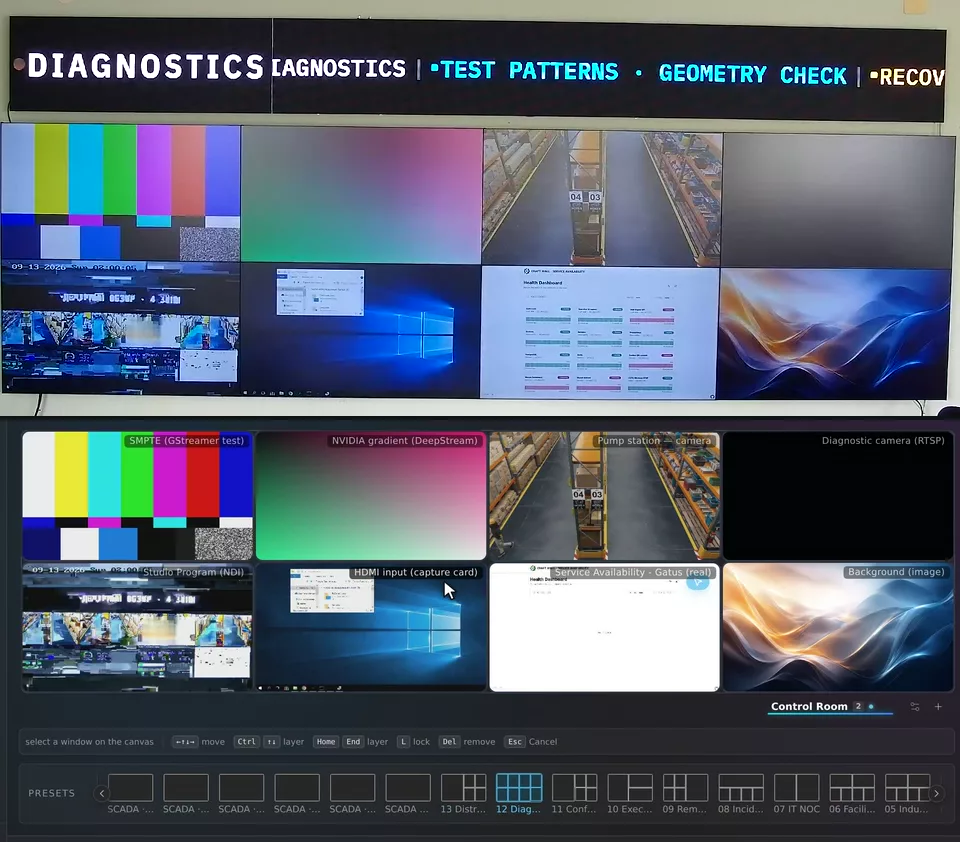
Move and resize windows in the editor. The physical wall applies the new geometry when you release the mouse.
The editor sets window geometry on the canvas. A dragged position is applied to the wall when the mouse is released; check dashboard legibility from the operator's working position.
Prepare layouts for monitoring, incidents or meetings. Save them as scenes and select the one your operators need.
A scene saves a prepared layout for a task. Prepare separate scenes for routine monitoring, shift handover and incident review, then check them against the sources your team uses.
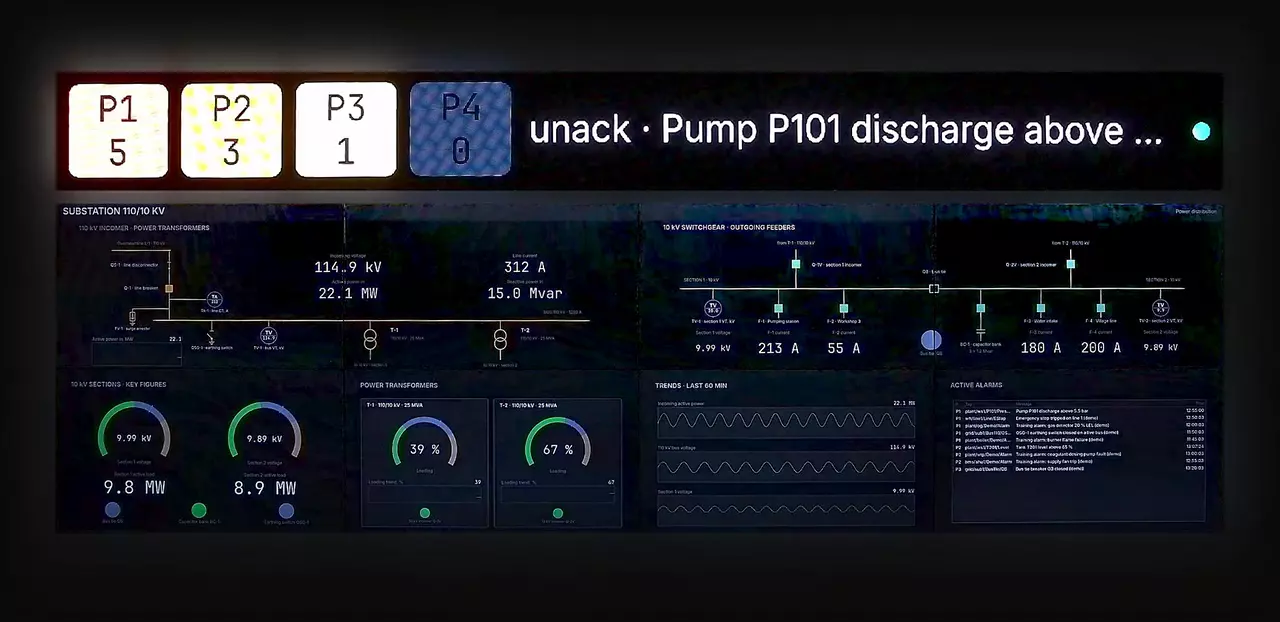
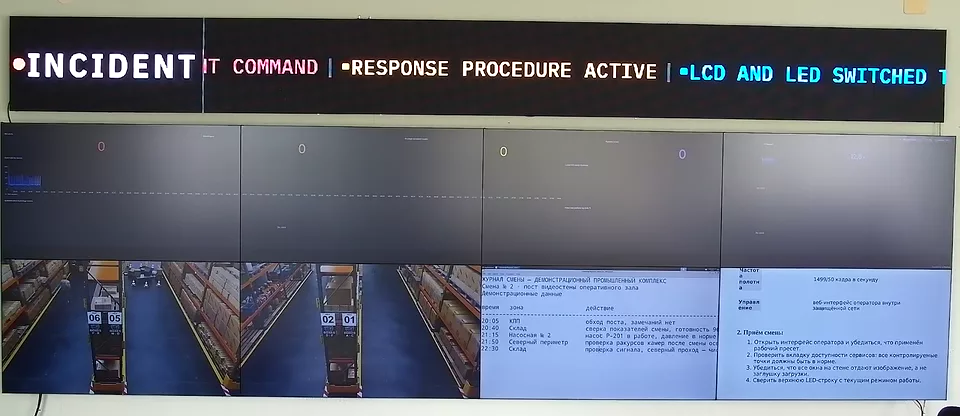
Use schedules for routine layout changes and alarm scenarios for incidents. The recording shows the switch to the alarm scene.
Use schedules and alarm scenarios to change the information displayed. Agree the event trigger, target scene, acknowledgement process and recovery checks with an engineer.
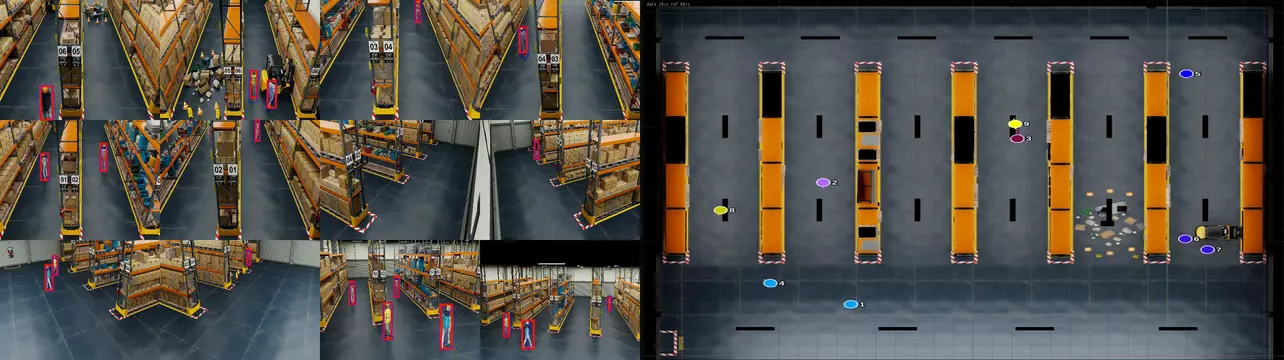
Twelve camera streams go through detection on the server GPU, and every tracked person moves as a numbered marker on a top-down map of the site. The cameras and the map are ordinary sources on the wall.
Analytics uses the server's GPU resources. Sizing depends on camera resolution, frame rate and the selected analytics workload, as well as source count.
RTSP, RTMP, HLS, SRT, NDI and HDMI/SDI capture; web pages, documents, video and RDP/VNC.
SSO, MFA, RBAC and LDAP for operator access and permissions.
Conferencing sources, OSD labels and scrolling tickers.
Actual capacity depends on the server hardware. Display count and resolution depend on its GPU and video outputs.
Choose the configuration for the source formats, display resolution and redundancy your project needs.
Read the datasheet or the TCO methodology before arranging a demonstration.
30 minutes on a real video wall: the operator console in your browser and a live camera on the physical wall. Access link in your inbox in a minute, no sales call.
Share the display layout, sources and requirements. We will discuss the configuration and prepare a quote.
For integrators and resellers evaluating software for customer projects.