了解产品
30 分钟实时演示台,自行体验:操作员界面加实体视频墙摄像头。
功能 · 04 / 06 · 包含在授权中
Utility and industrial control rooms need process values next to cameras and dashboards. Craft Wall includes a SCADA visualisation module: draw a mimic diagram in the browser, bind it to live tags and show it on the wall as a window. The module is included in the server licence.
预约 30 分钟演示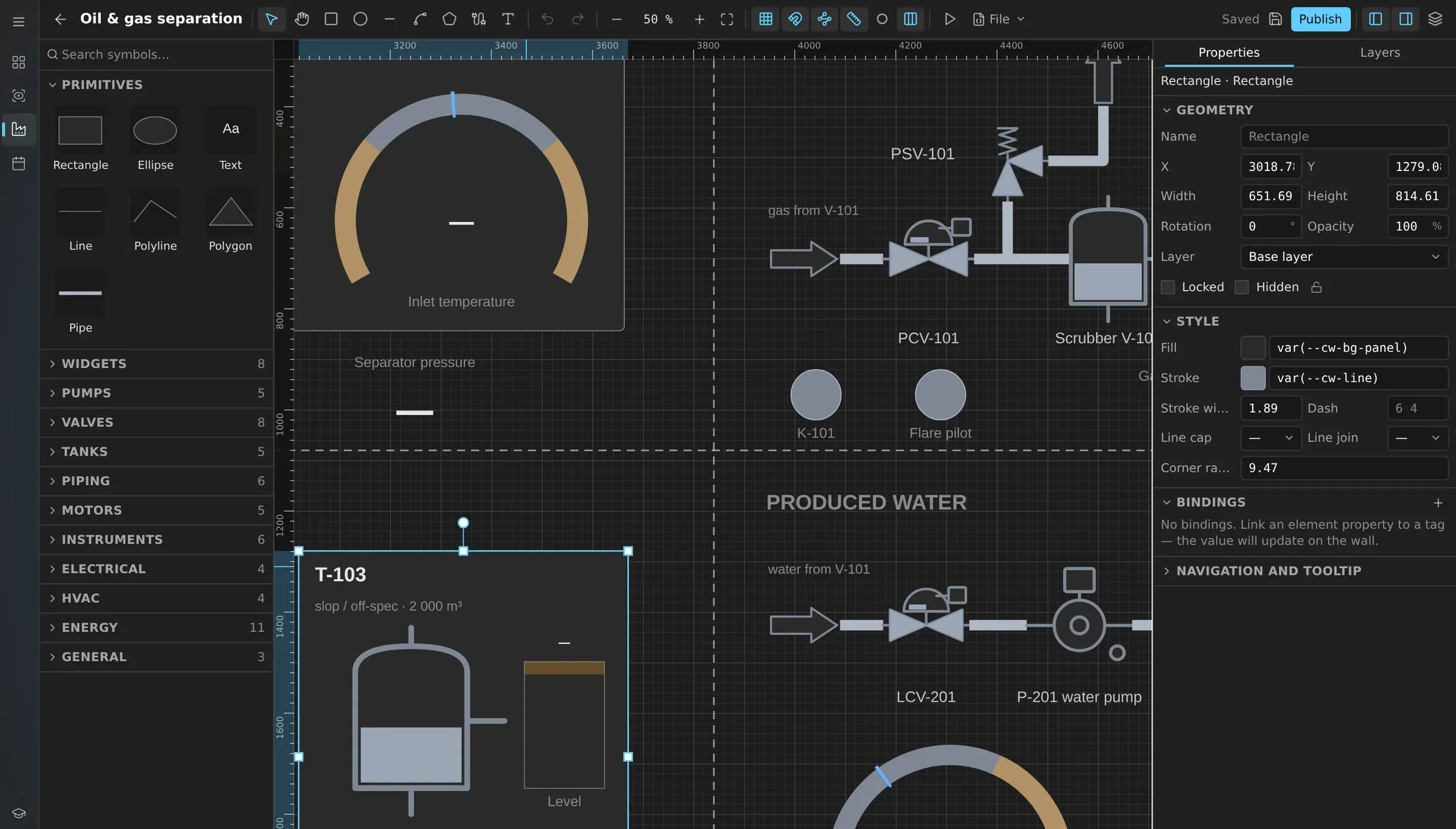
本页的简体中文译文正在准备中,当前显示英文内容。 English →
The editor works like a drawing tool: shapes, pipes, text and symbols on a sheet sized for your wall, for example 7680 × 2160.
Panel seams show where the physical displays meet, so values and labels do not land on a bezel.
Live preview fills the sheet with current values before you publish, and the validator warns when text is too small for the viewing distance.
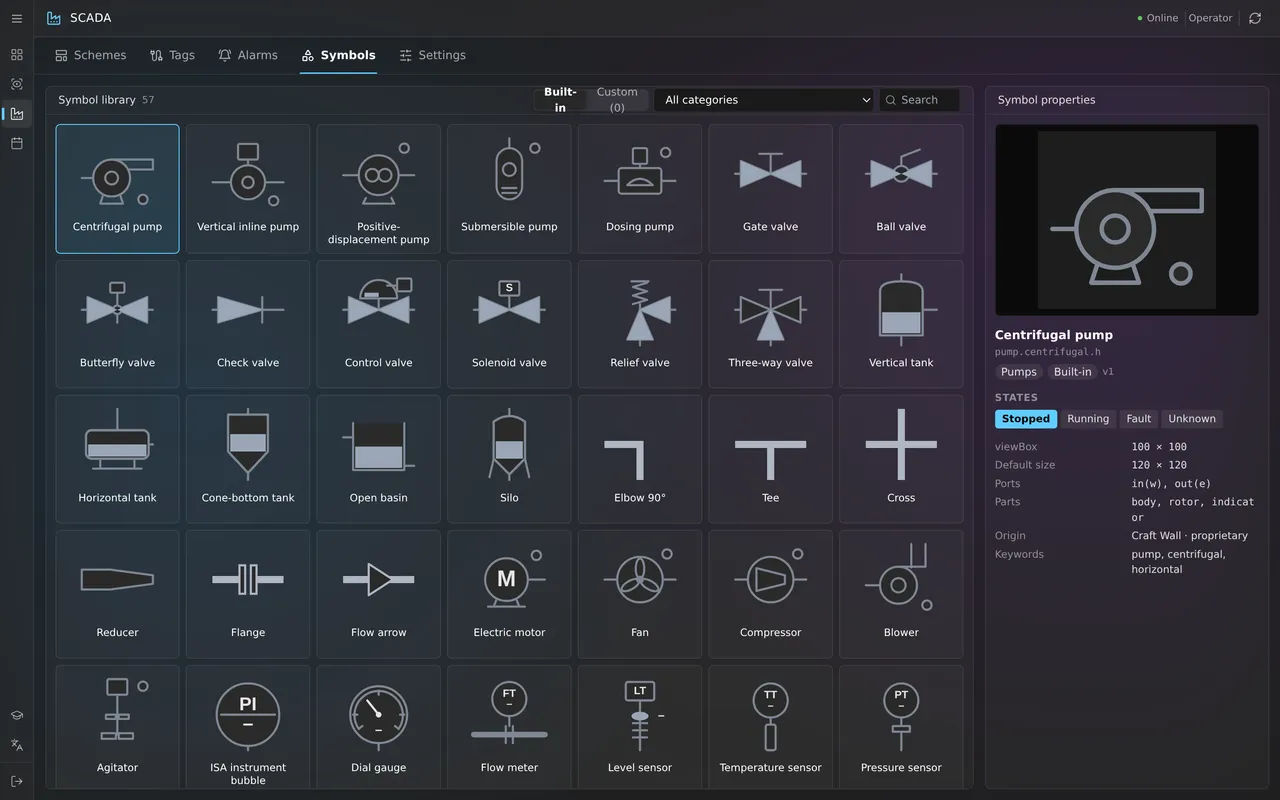
The library has 57 symbols in ten categories: pumps, valves, tanks, piping, motors, instruments, electrical, HVAC, energy and general.
Symbols follow the ISA-101 approach: calm greys for normal operation and colour only for abnormal states. Each symbol has states such as stopped, running and fault.
Data widgets add gauges, trends and an alarm list to the same sheet.
Define alarms on tags: limit, deadband, on and off delays, priority from 1 to 4, latching and acknowledgement.
Operators acknowledge and shelve alarms. The module suppresses alarm floods and keeps a log.
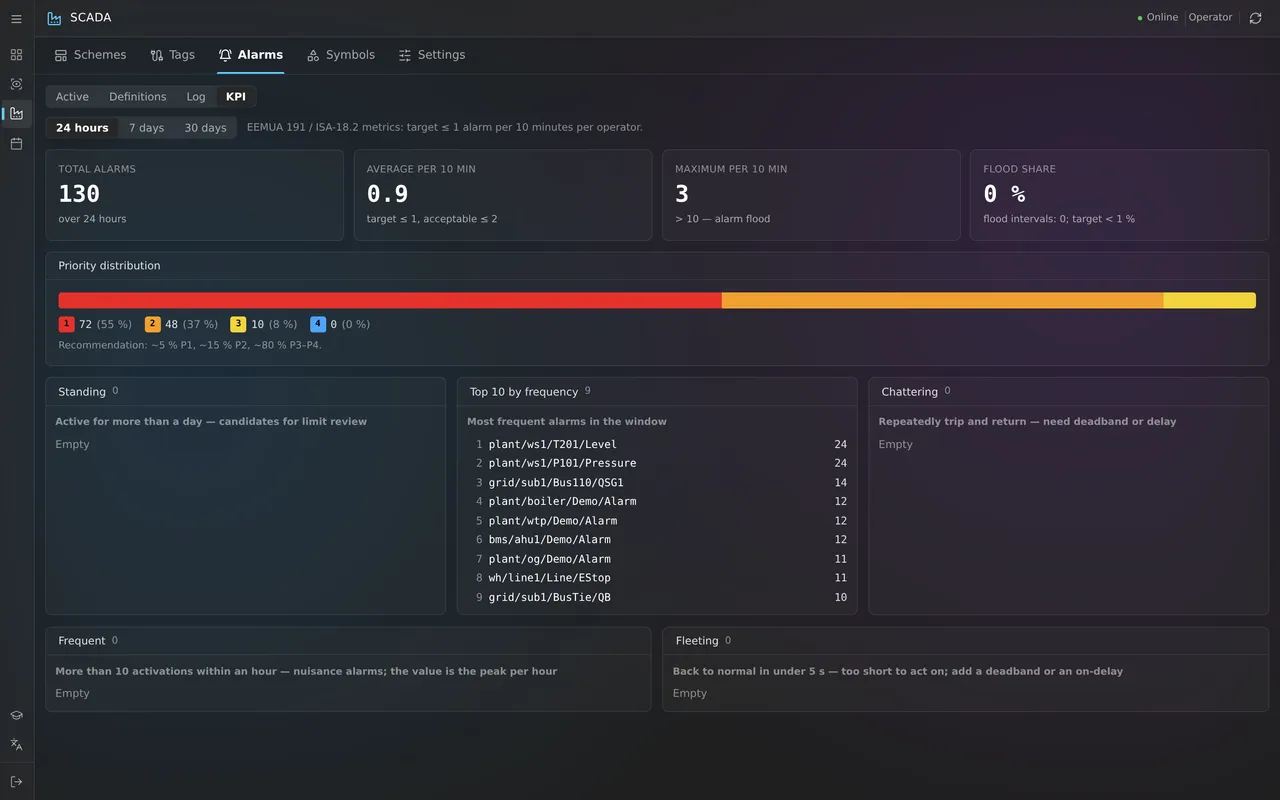
The KPI view follows EEMUA 191 and ISA-18.2: alarms per ten minutes, flood share, and standing, chattering and most frequent alarms.
Publish a diagram and send it to the wall as a source. Versions are kept, and any published version can be restored.
When an alarm becomes active, Craft Wall switches the wall to the scene with the diagram of that unit and returns when the alarm clears.
The module visualises the process; it does not control it. There is no command path from the wall to your controllers.
Roles — viewer, operator, engineer and administrator — limit who may edit diagrams, tags and alarm definitions.
If your SCADA already has operator screens, show them on the wall as a web page or a remote desktop. Use the mimic editor for overview diagrams designed for the wall.
预约演示前,可先阅读产品规格书或 TCO 计算方法。
功能
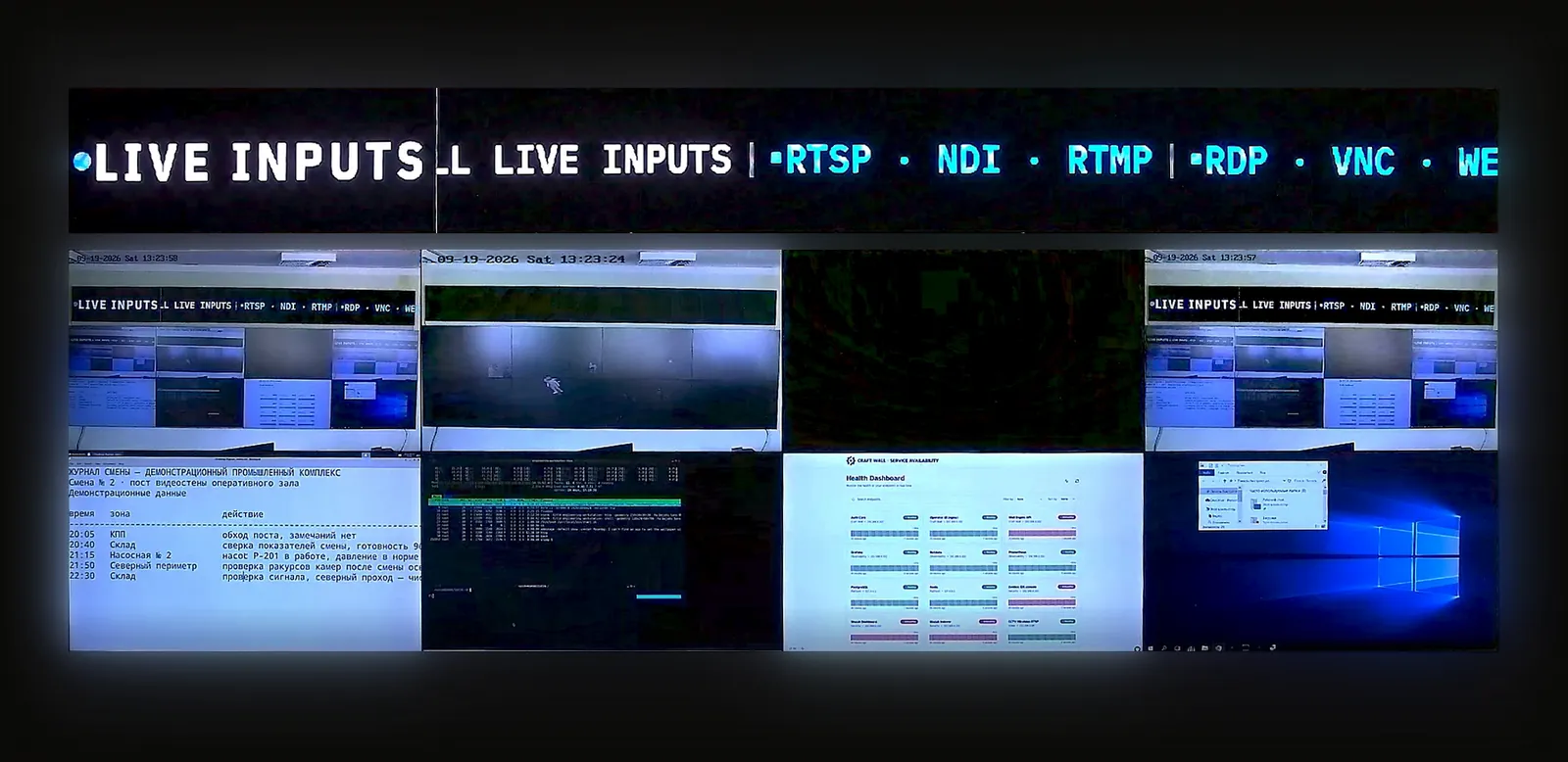
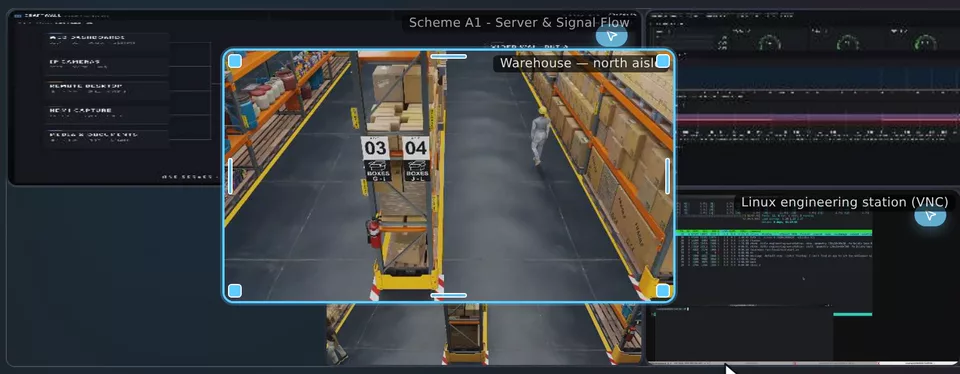
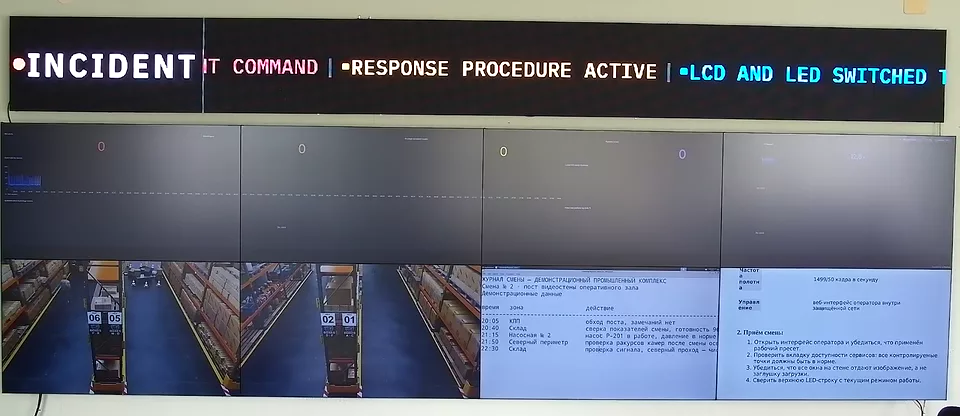
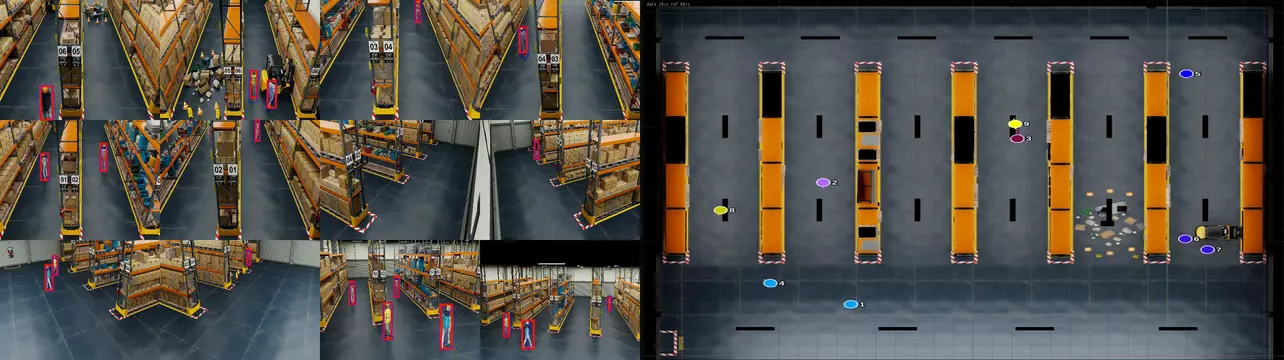
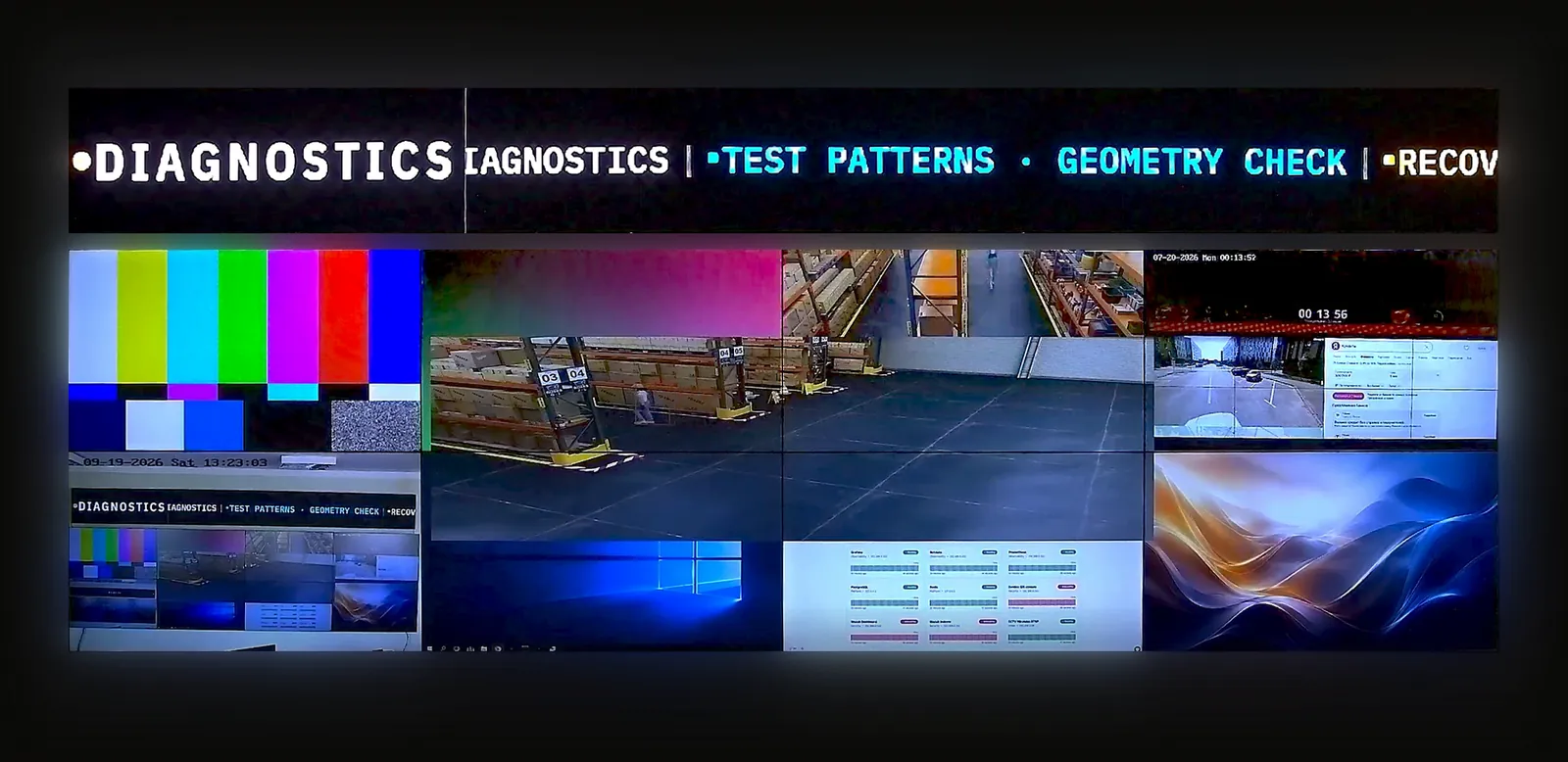
30 分钟实时演示台,自行体验:操作员界面加实体视频墙摄像头。
提供显示屏布局、信号源及需求。我们将与您讨论配置并准备报价。
面向正在为客户项目评估软件的系统集成商和经销商。