了解产品
30 分钟实时演示台,自行体验:操作员界面加实体视频墙摄像头。
功能 · 03 / 06 · 包含在授权中
In an incident the wall should change before anyone reaches for the mouse. Craft Wall maps alarm types to scenes, applies the scene when the alarm arrives and restores the previous picture when it clears.
预约 30 分钟演示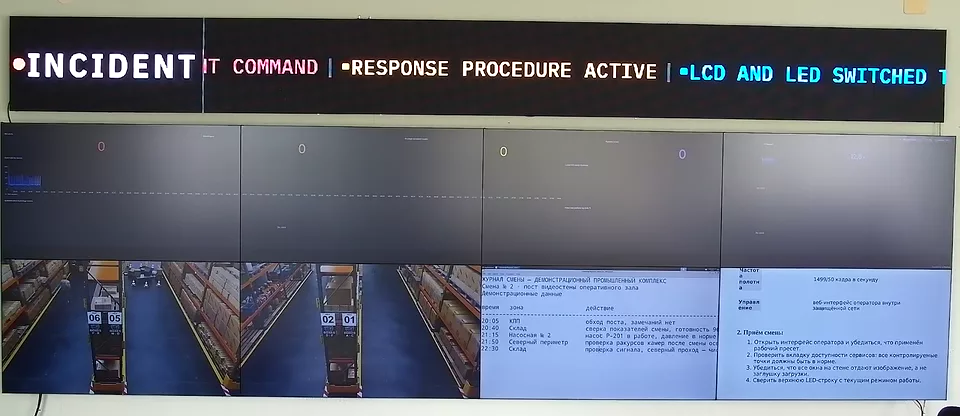
本页的简体中文译文正在准备中,当前显示英文内容。 English →
An alarm is one HTTP request with a type, a source and a message. A rule maps the alarm type to a scene, and Craft Wall applies that scene on the physical wall.
Any system that can send an HTTP request can raise an alarm: a video management system, a monitoring system or your own script.
While an alarm is active, its scene stays on the wall. When every alarm has cleared, Craft Wall restores the scene that was shown before.
If an operator chooses another scene during the alarm, that choice is kept. The automatic return does not override it.
Operators see active alarms in the console and can dismiss them there.
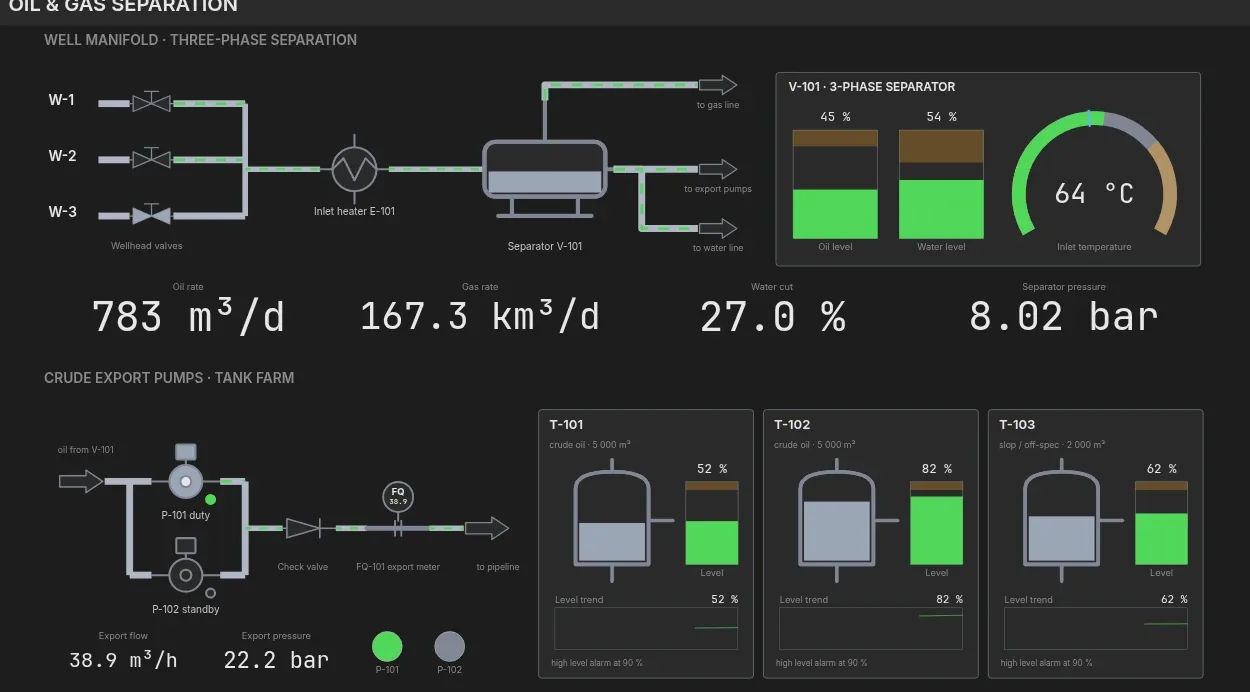
The built-in SCADA module raises an alarm when a tag crosses its limit and puts the mimic diagram of that unit on the wall.
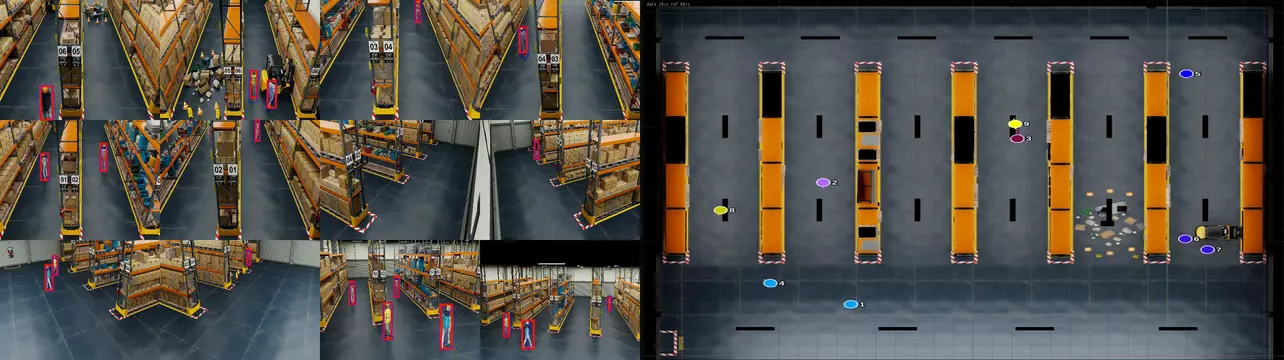
Video analytics raises an alarm when a rule fires: a crossed line, an entered zone or an abandoned object.
A schedule applies a scene at a set time. Use it for a morning briefing on weekdays, a night layout or a weekly review.
Schedules use cron expressions, so any repeating pattern can be set.
Alarm switching works when the room has agreed what each alarm should show.
预约演示前,可先阅读产品规格书或 TCO 计算方法。
功能
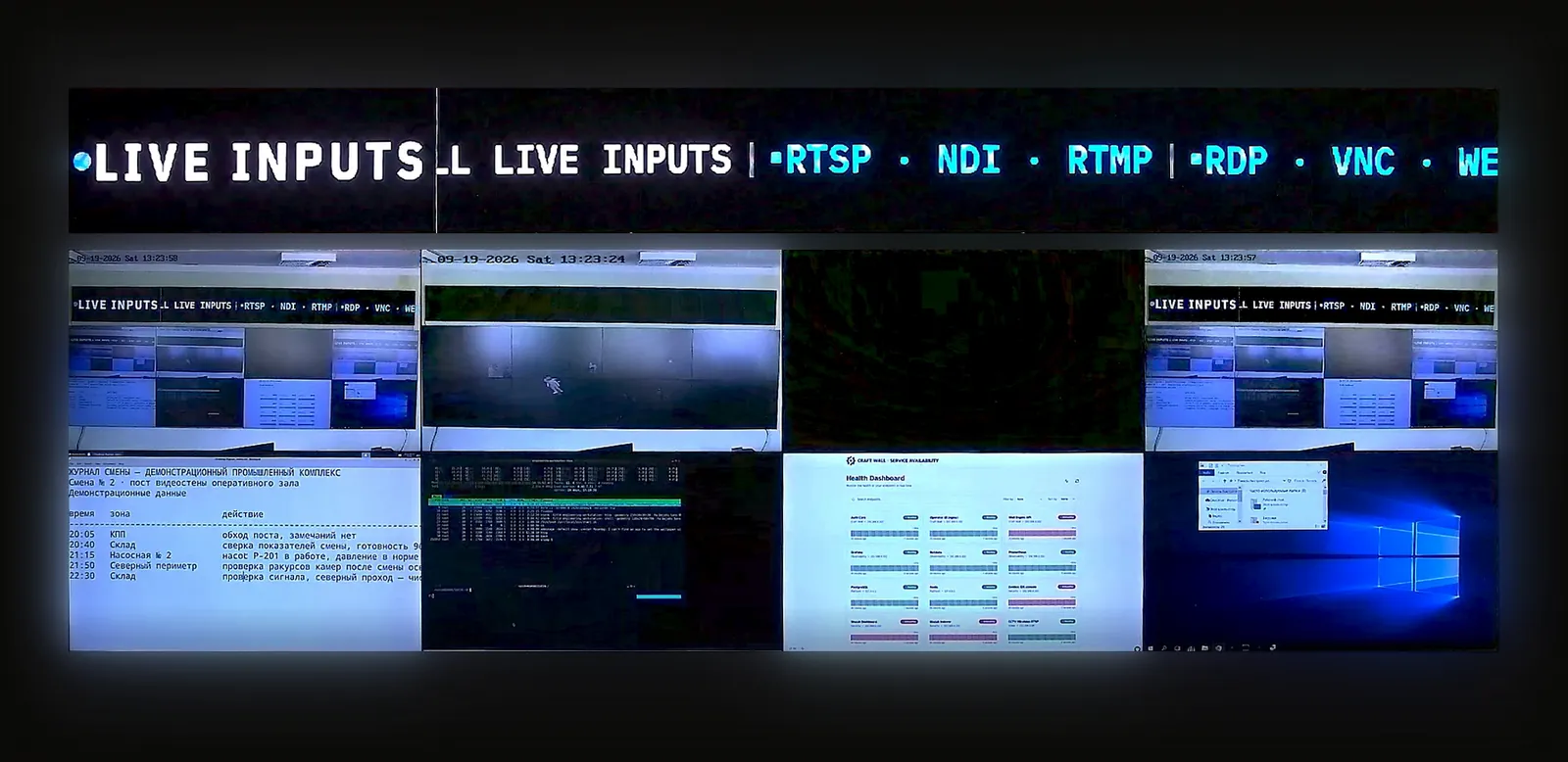
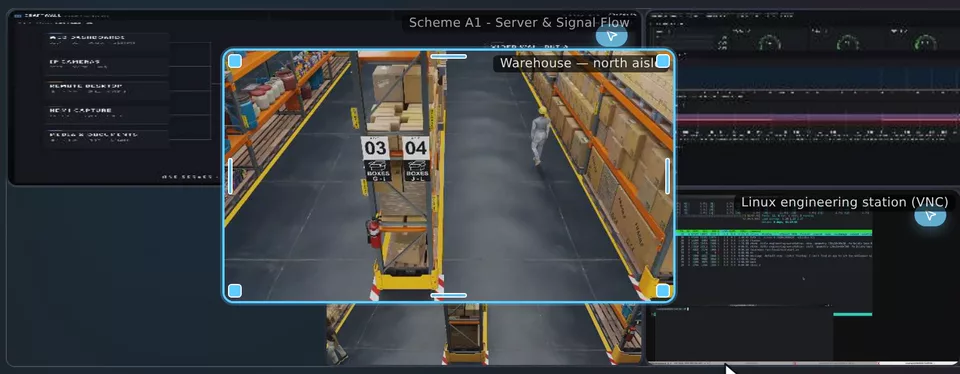
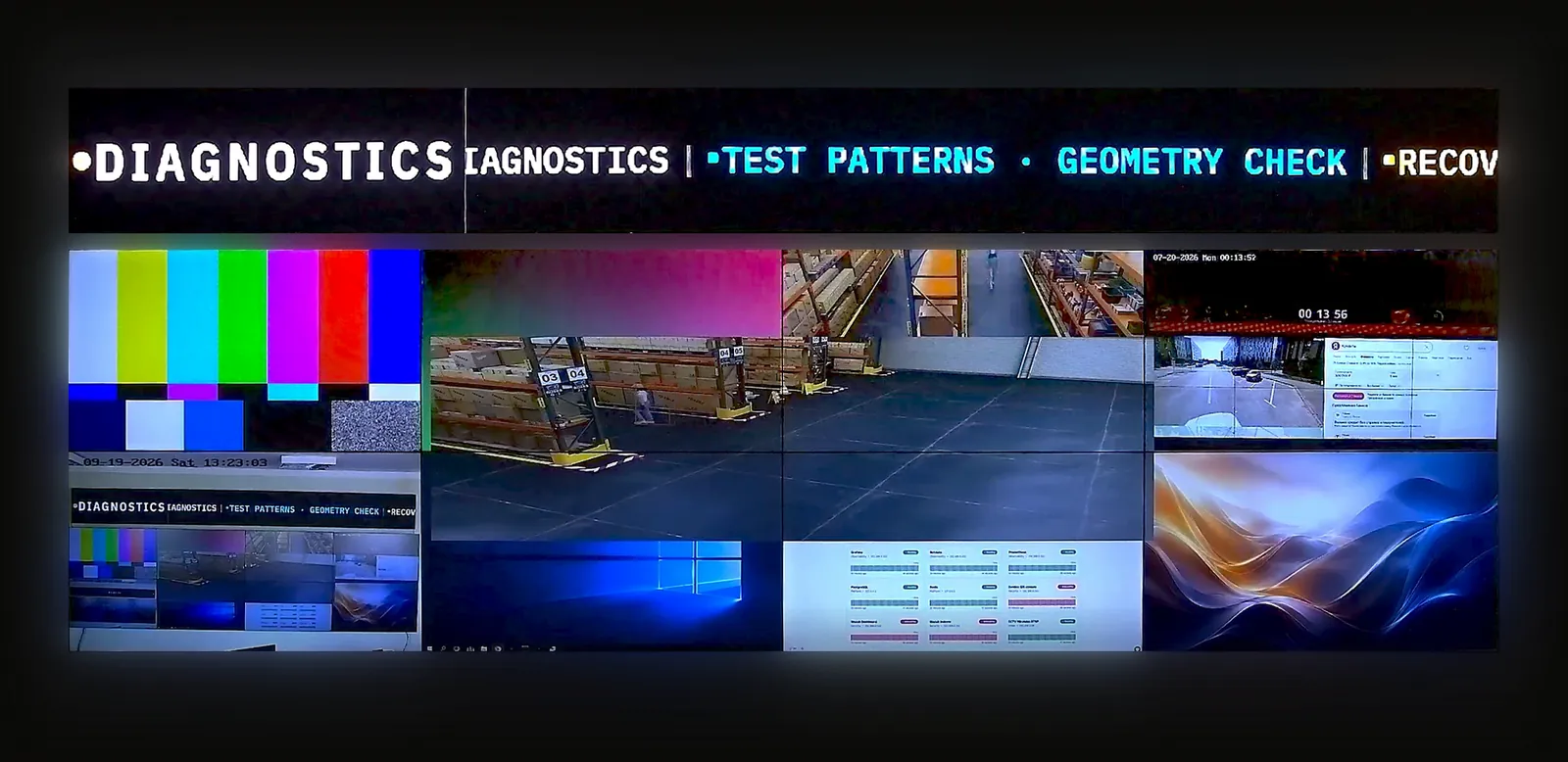
30 分钟实时演示台,自行体验:操作员界面加实体视频墙摄像头。
提供显示屏布局、信号源及需求。我们将与您讨论配置并准备报价。
面向正在为客户项目评估软件的系统集成商和经销商。