了解产品
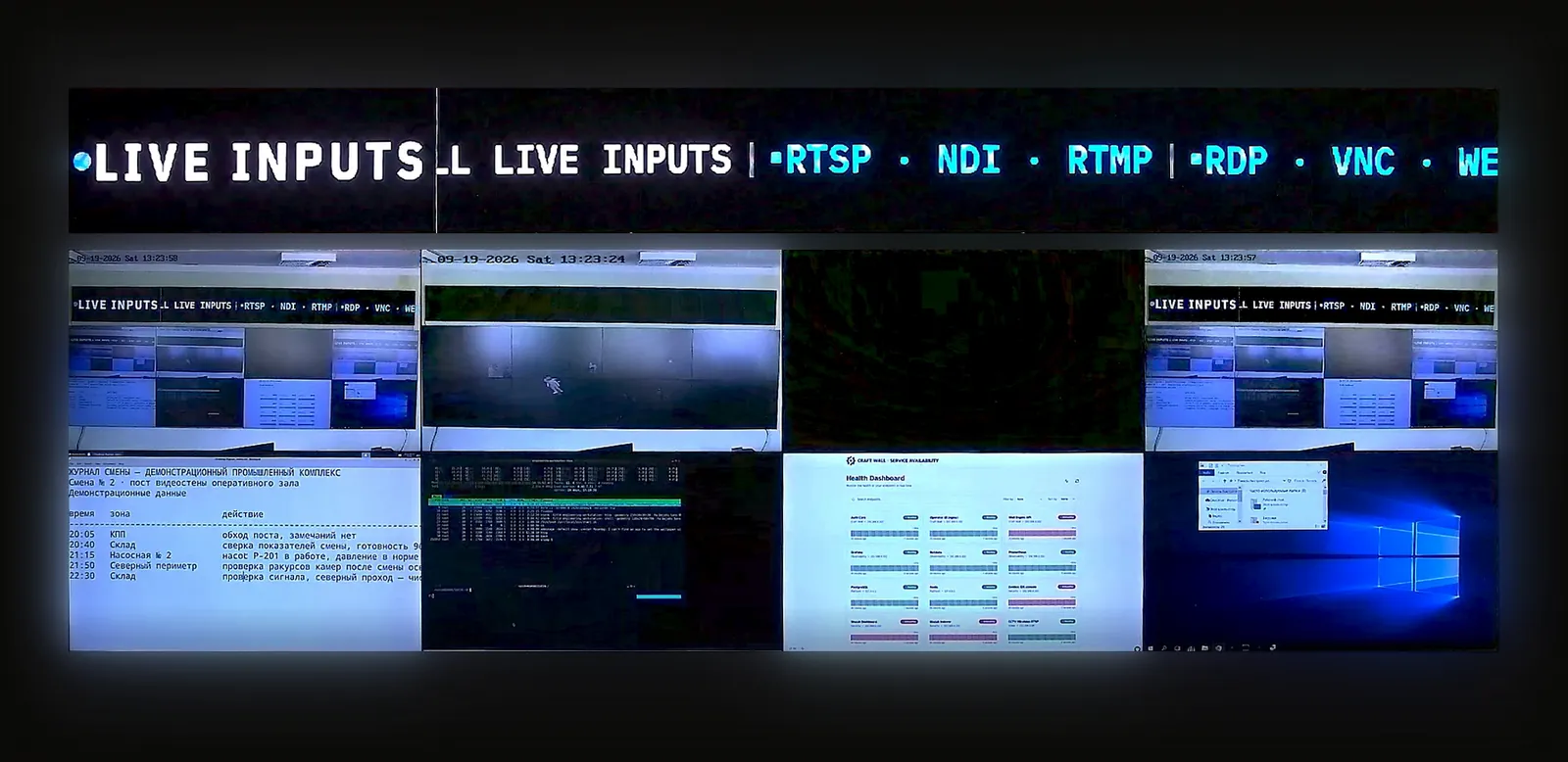
30 分钟实时演示台,自行体验:操作员界面加实体视频墙摄像头。
功能 · 05 / 06 · 包含在授权中
The cameras are already on the wall; the same server can watch them. The analytics module runs on the server's NVIDIA GPU, turns rule hits into incidents and brings the incident scene to the wall. The module is included in the server licence.
预约 30 分钟演示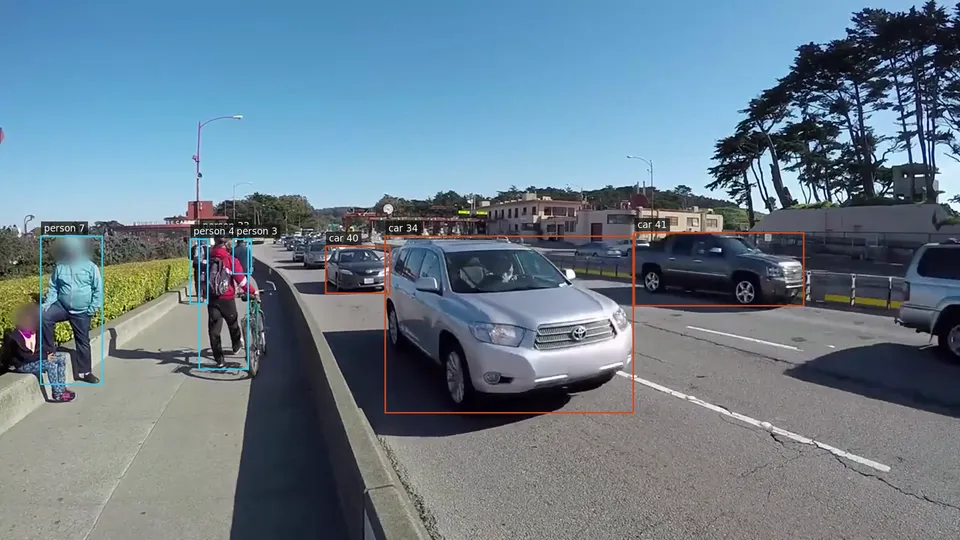
本页的简体中文译文正在准备中,当前显示英文内容。 English →
A neural network detects people and vehicles in RTSP camera streams, and a tracker follows each object from frame to frame.
Processing runs on the same NVIDIA GPU that composes the wall. For each camera you choose the mode: always on, on motion or off.
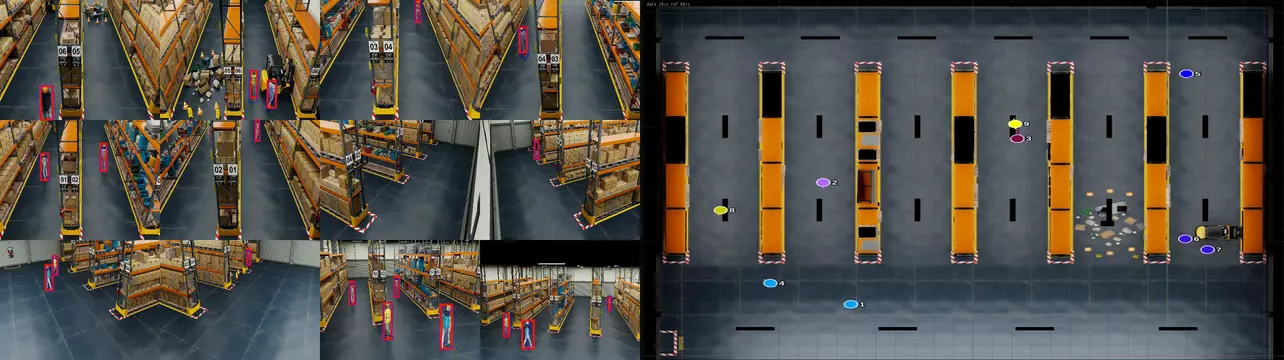
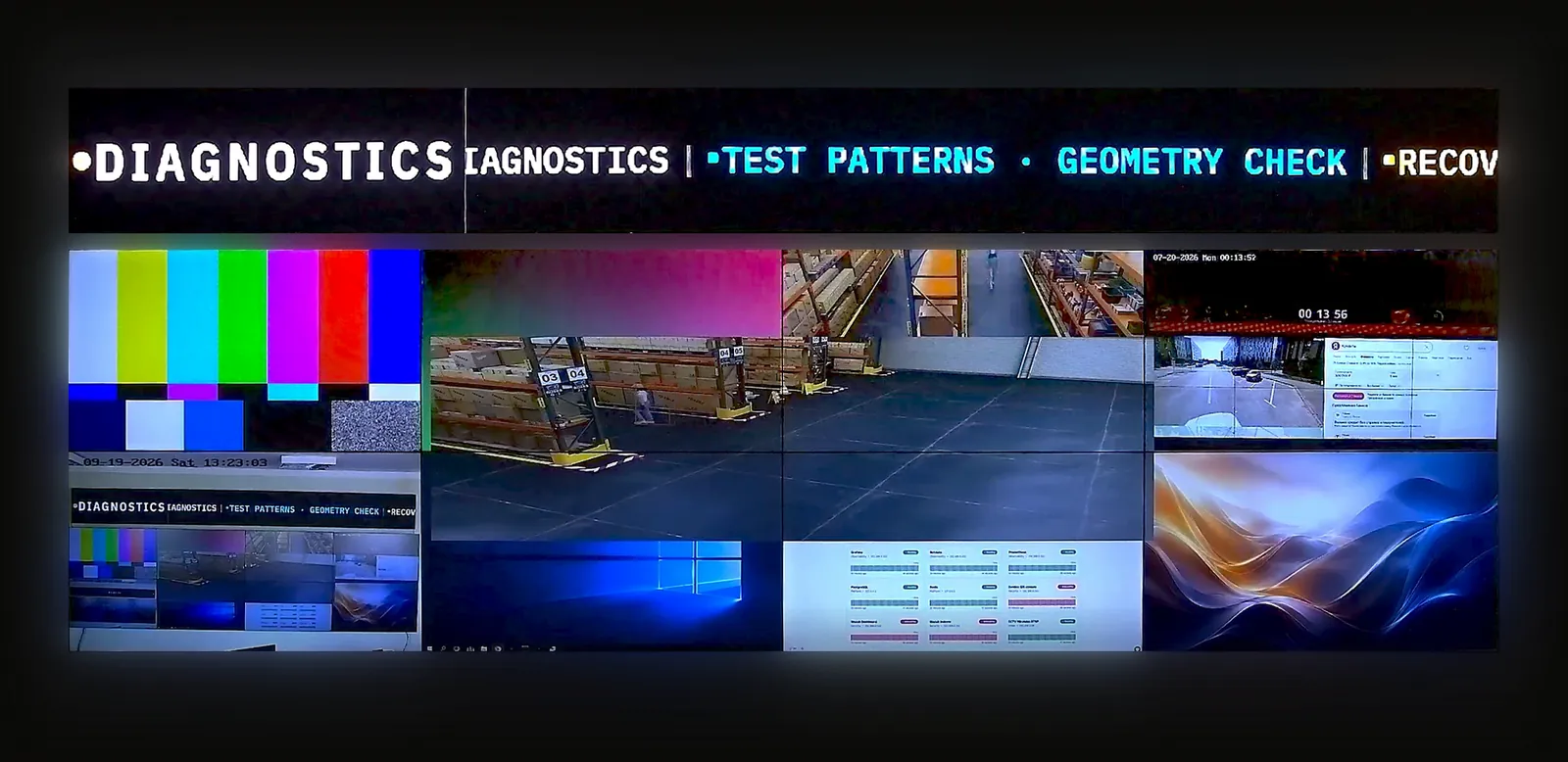
On the product stand, twelve warehouse cameras go through detection in one pipeline on the server GPU. A multi-view tracker joins the detections into one track per person.
Each person moves across a top-down plan of the site as a numbered marker with a trail, in real time. The camera mosaic and the map are ordinary sources: they sit on the wall next to everything else.
Pick a camera and draw on its live picture: a line to cross, a zone to enter, an area where an object must not be left.
Bind the rule to a zone and an object class, then set its schedule and re-arm time.
A rule hit opens an incident in the operator queue, sorted by severity and age.
The operator closes it with one of three verdicts: confirmed, false alarm, or other with a comment. Keyboard shortcuts keep the work fast.
The overview shows totals, confirmed and false shares and response times for the last day, week or month.
Upload a site plan, mark the zones and place the cameras with their fields of view.
An incident appears on the plan in its zone. Links between neighbouring zones tell the module which cameras to show next.
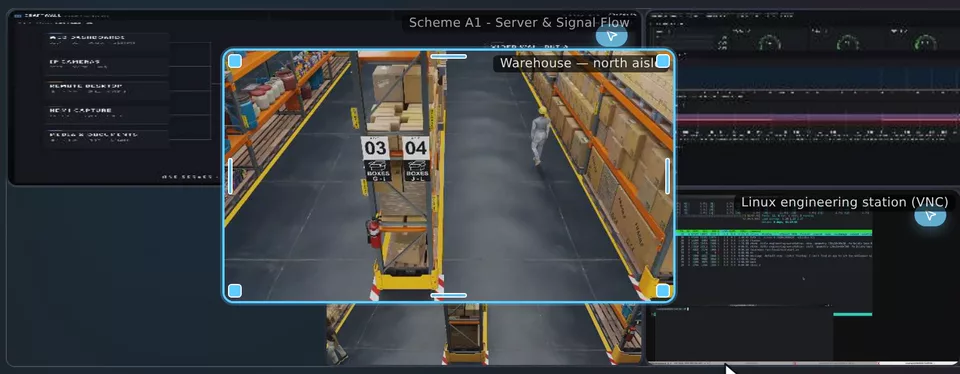
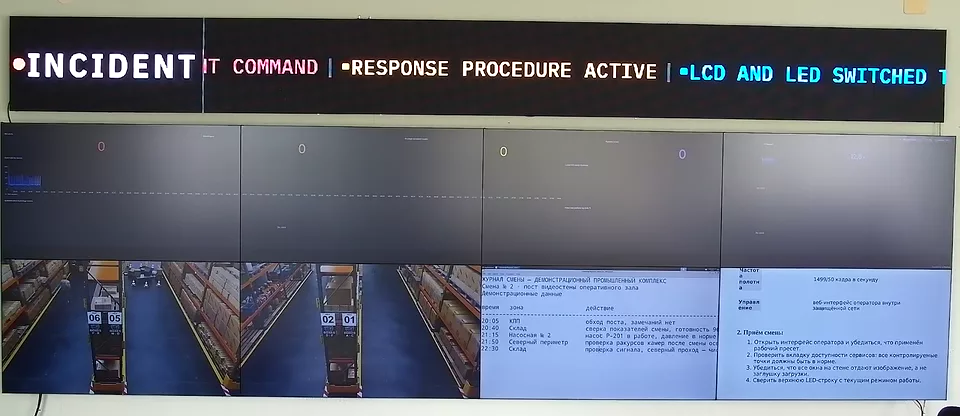
An incident raises an alarm in Craft Wall. The wall switches to the incident scene and returns when the alarm clears.
The module does not recognise faces or number plates, and it does not replace your video management system or recorder.
Use it to bring attention to the wall. Keep recording and forensic search in the video management system.
Camera count alone does not size analytics. Collect these facts first.
预约演示前,可先阅读产品规格书或 TCO 计算方法。
功能
30 分钟实时演示台,自行体验:操作员界面加实体视频墙摄像头。
提供显示屏布局、信号源及需求。我们将与您讨论配置并准备报价。
面向正在为客户项目评估软件的系统集成商和经销商。