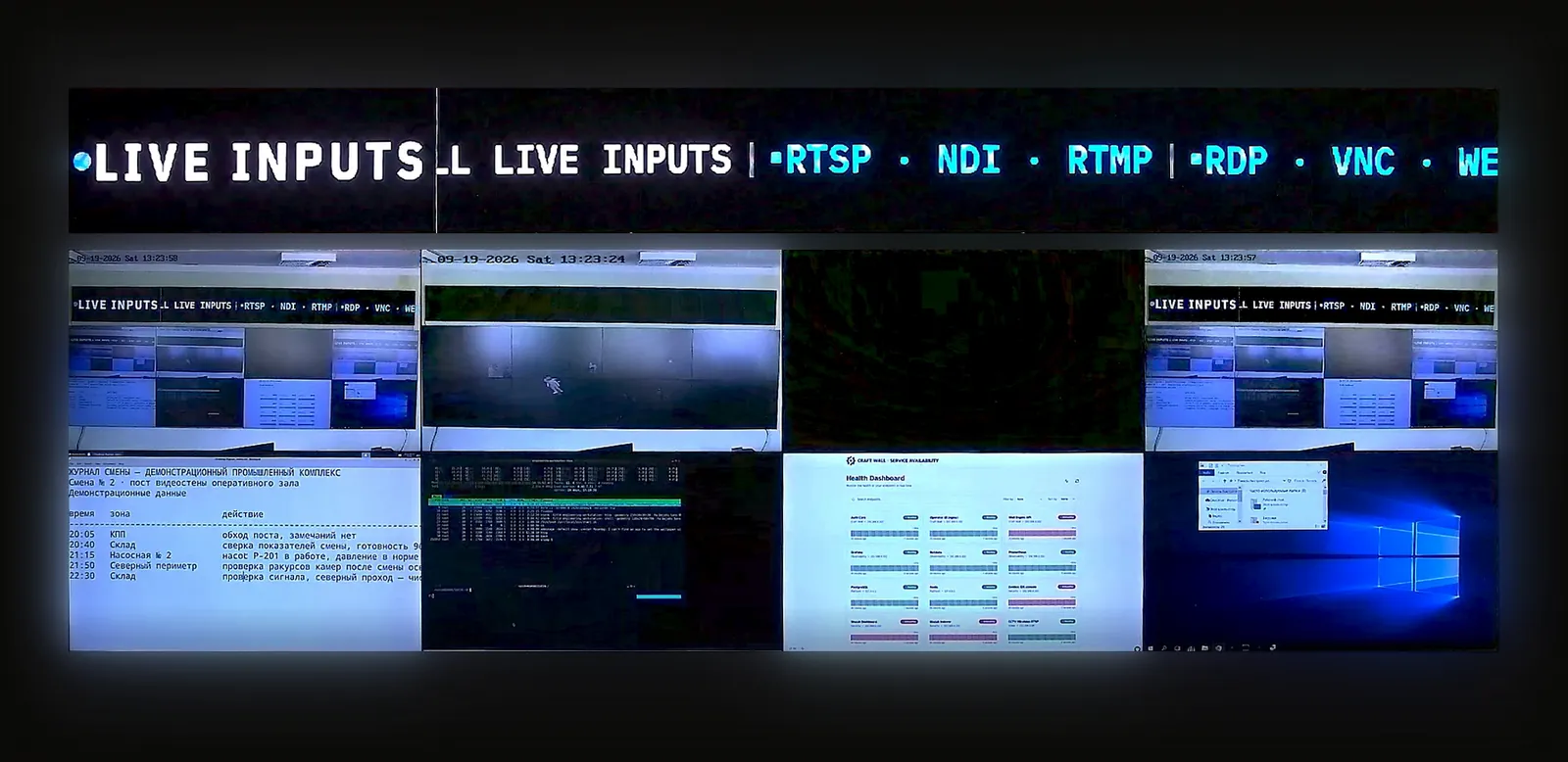
A research data center video wall and a university IT operations wall are operations surfaces, not classroom AV or donor-facing signage. The useful wall brings HPC cluster health, storage, campus network state, security context, facility telemetry, tickets, and incident workflow into one shared room view for research computing and campus infrastructure teams.
Research data center video wall: what belongs on the wall
Research computing teams usually need the wall to answer one question quickly: is the shared platform healthy enough for researchers to keep working? That makes the wall different from a generic data center display. It should show capacity, queue pressure, storage risk, network state, environmental status, and open incidents together, not just a rotating set of pretty graphs.
- Compute: HPC scheduler queues, node health, GPU availability, job failures, Kubernetes or virtualisation cluster status, and maintenance windows.
- Storage: parallel file system health, object storage, backup status, throughput, quota pressure, replication lag, and failed disks.
- Network: campus core, research network uplinks, Internet2 or NREN links, firewall status, DNS, identity, VPN, and wireless health.
- Facilities: rack cameras, power, UPS, cooling, humidity, leak detection, BMS alarms, and maintenance work orders.
- Operations: ticket queues, change calendar, incident bridge, on-call status, and executive or research-liaison briefing views.
University IT operations wall: campus NOC, not classroom AV
A university IT operations wall is the campus version of a NOC wall. It tracks services that affect teaching, research, administration, dorms, libraries, labs, sports venues, and remote users. That buyer intent is different from classroom video wall or lecture-hall AV: the wall is for operators who respond to outages, not for instructors presenting content.
The closest companion architecture is the NOC video wall reference architecture, but campus IT adds more service diversity: identity provider, learning systems, Wi-Fi, student information, building systems, research network peering, physical security, and event-day operations may all become part of the shared operating picture.
Source mix for HPC and campus operations
The source mix is mostly browser dashboards, not baseband video. Grafana, Prometheus, Zabbix, PRTG, ServiceNow, Jira, SIEM tools, storage consoles, VMS views, BMS panels, and runbooks usually arrive as web applications or RTSP camera feeds. HDMI capture and IP-KVM are useful for legacy consoles and emergency promotion, but they should not define the whole design.
| Wall zone | Typical sources | Why it matters |
|---|---|---|
| HPC and research computing | Scheduler, GPU, storage, batch jobs, queue depth, change calendar | Shows whether researchers are blocked by compute, storage, or maintenance risk. |
| Campus network | Core switches, Wi-Fi, DNS, firewall, VPN, identity, external peering | Separates local building issues from campus-wide service degradation. |
| Security and facilities | SIEM summary, VMS views, BMS, power, cooling, access control, rack cameras | Keeps cyber, physical, and facility context visible during an infrastructure incident. |
| Incident workflow | Ticket queue, status page, bridge call, on-call, executive briefing | Keeps the wall tied to response ownership instead of becoming passive monitoring. |
Access governance, SSO, and API control
Universities often have mixed staffing: central IT, research computing, facilities, security, student workers, contractors, and vendors. The wall should not collapse those roles into one shared admin password. Use the video wall RBAC, SSO, and API guide to define who can switch layouts, promote sources, create new sources, edit credentials, export logs, and trigger incident presets.
API control is useful when monitoring tools need to load an incident layout automatically: storage outage, campus DNS failure, security alert, cooling fault, or major event. Keep automation scoped to named presets and approved source promotion. The API should never become a path around campus identity, change control, or source credential ownership.
Sizing the wall around sources and operator zones
A small research operations room may work with 6-8 displays. A central campus IT room may need 12-24 displays or an equivalent LED canvas because it serves multiple teams at once. Start with the video wall sizing and source-count guide: live sources, standby sources, incident views, operator zones, KVM promotion, failover, and audit requirements determine the wall more than panel count.
For budgeting, model the room in the video wall TCO calculator before buying a fixed controller. Research and campus walls tend to accumulate sources every semester: new dashboards, new labs, new buildings, new identity services, and new incident workflows. A cost model that scales by appliance inputs or per-display subscription can age badly when the source map grows.
Where Craft Wall fits
Craft Wall fits research data center and university IT operations walls where the buyer wants browser dashboards, RTSP / NDI camera feeds, HDMI capture where needed, IP-KVM promotion, named incident layouts, local operator control, role-aware access, and a perpetual licence on an on-prem Linux server. It is the shared visualization layer around HPC, campus network, facilities, security, and ticket systems.
It is not the primary HPC scheduler, SIEM, VMS, BMS, identity provider, ticketing platform, or network controller. Those systems keep authority. The wall renders approved views so the team can see cross-system context during outages, maintenance windows, and executive briefings.
Read next
Pair this guide with the NOC reference architecture, the SOC and SIEM video wall guide, the video wall sizing guide, the RBAC, SSO, and API guide, and the air-gap video wall guide for restricted research environments. If the project is still comparing vendors, use the best video wall software comparison.
Frequently asked questions
What is a research data center video wall?
A research data center video wall is a shared operations display for HPC, storage, research network, facilities, security, and incident workflow status. It helps research computing and campus IT teams see cross-system health during outages, maintenance windows, and briefings.
What goes on a university IT operations wall?
A university IT operations wall usually shows campus network health, Wi-Fi, identity, DNS, VPN, learning systems, research computing, storage, security summaries, facilities alerts, tickets, status pages, and on-call or incident bridge state.
Is a university IT operations wall the same as classroom AV?
No. Classroom AV supports instruction and presentation. A university IT operations wall is for operators managing campus infrastructure, research computing, incidents, maintenance, security, and service availability.
How should an HPC or research operations wall be sized?
Size it by source count and operator zones first: live dashboards, standby incident views, scheduler and storage panels, cameras, ticket queues, promoted KVM sessions, failover, and audit needs. Display count follows from that source plan.
Related reading
- NOC video wall software reference architecture: network operations center wall design
- SOC and SIEM video wall: Splunk, ELK Stack, cameras, and incident response
- Video wall sizing and source count guide: displays, 8K, 64 displays, and control room layouts
- Video wall RBAC, SSO, API, and mobile control: secure operator access for control rooms
- Air-gap and sovereign video wall: no-cloud control room software for restricted sites
- Software-defined vs hardware video wall controllers: a 5-year TCO breakdown
- Best video wall software in 2026: control room and NOC comparison
- Utility and energy control room video wall: SCADA, EMS, DMS, GIS, and outage response
- Video wall compliance: the regulatory map for control-room procurement
- Userful Linux & Zero Client alternative — Craft Wall vs Userful
- Datapath Fx4 alternative — Craft Wall vs WallControl 10
- AV over IP
- IP-KVM
- NDI (Network Device Interface)