Conheça o produto
30 minutos no estande ao vivo, por conta própria: interface do operador e câmera voltada para o videowall físico.
Recursos · 03 / 06 · incluído na licença
In an incident the wall should change before anyone reaches for the mouse. Craft Wall maps alarm types to scenes, applies the scene when the alarm arrives and restores the previous picture when it clears.
Agendar demonstração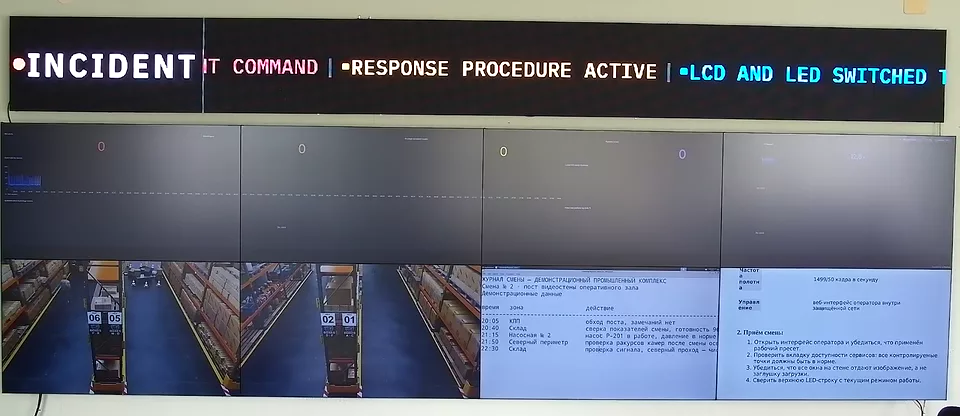
Esta página está disponível em inglês enquanto a tradução para Português é preparada. English →
An alarm is one HTTP request with a type, a source and a message. A rule maps the alarm type to a scene, and Craft Wall applies that scene on the physical wall.
Any system that can send an HTTP request can raise an alarm: a video management system, a monitoring system or your own script.
While an alarm is active, its scene stays on the wall. When every alarm has cleared, Craft Wall restores the scene that was shown before.
If an operator chooses another scene during the alarm, that choice is kept. The automatic return does not override it.
Operators see active alarms in the console and can dismiss them there.
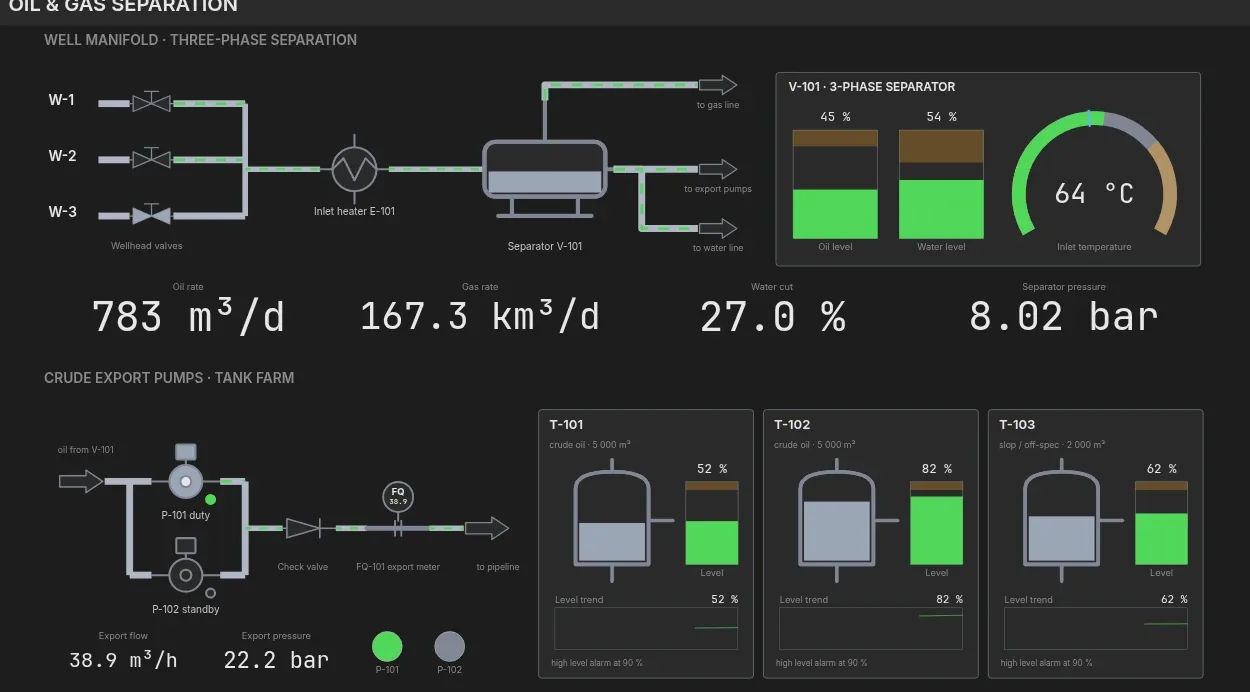
The built-in SCADA module raises an alarm when a tag crosses its limit and puts the mimic diagram of that unit on the wall.
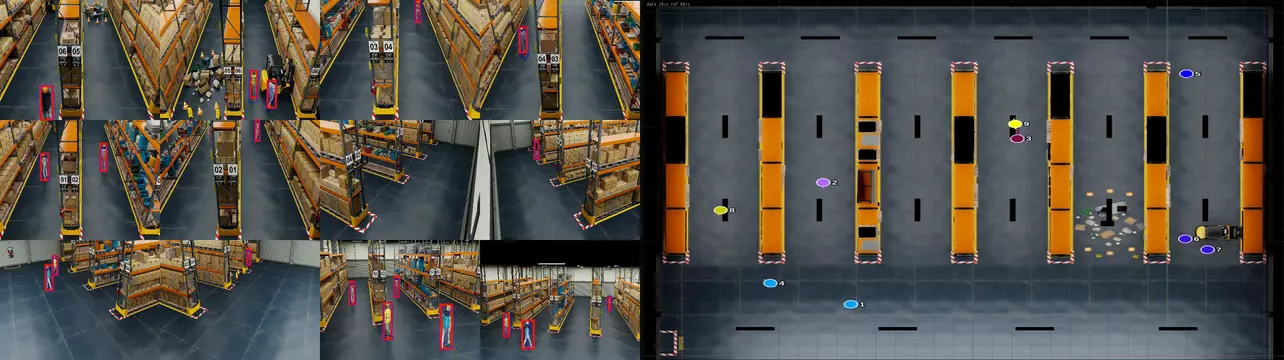
Video analytics raises an alarm when a rule fires: a crossed line, an entered zone or an abandoned object.
A schedule applies a scene at a set time. Use it for a morning briefing on weekdays, a night layout or a weekly review.
Schedules use cron expressions, so any repeating pattern can be set.
Alarm switching works when the room has agreed what each alarm should show.
Leia a ficha técnica ou a metodologia de TCO antes de agendar uma demonstração.
Recursos
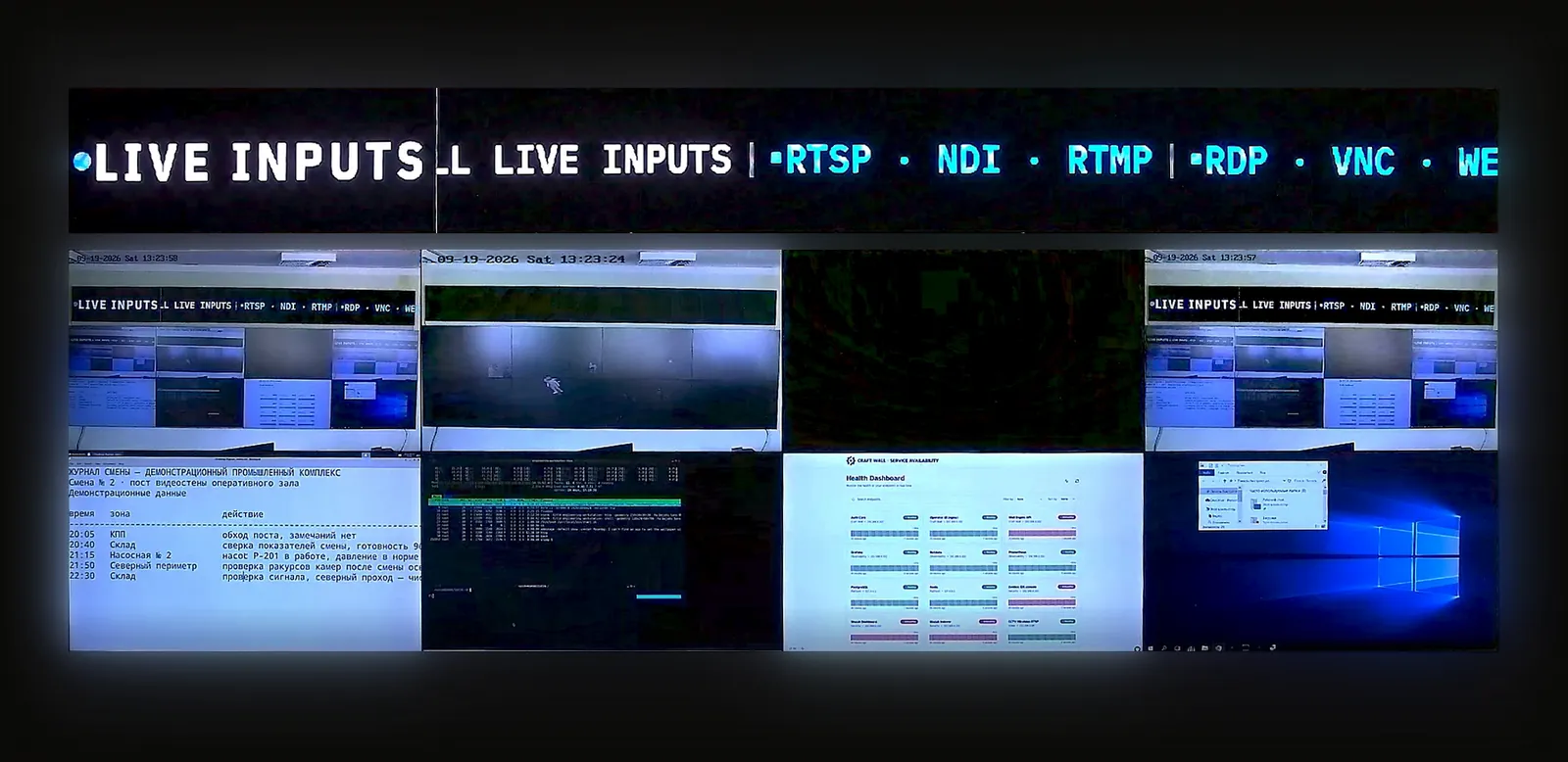
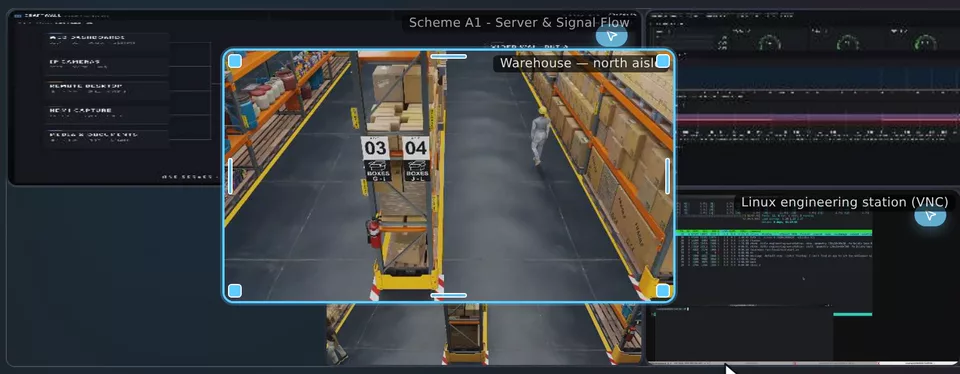
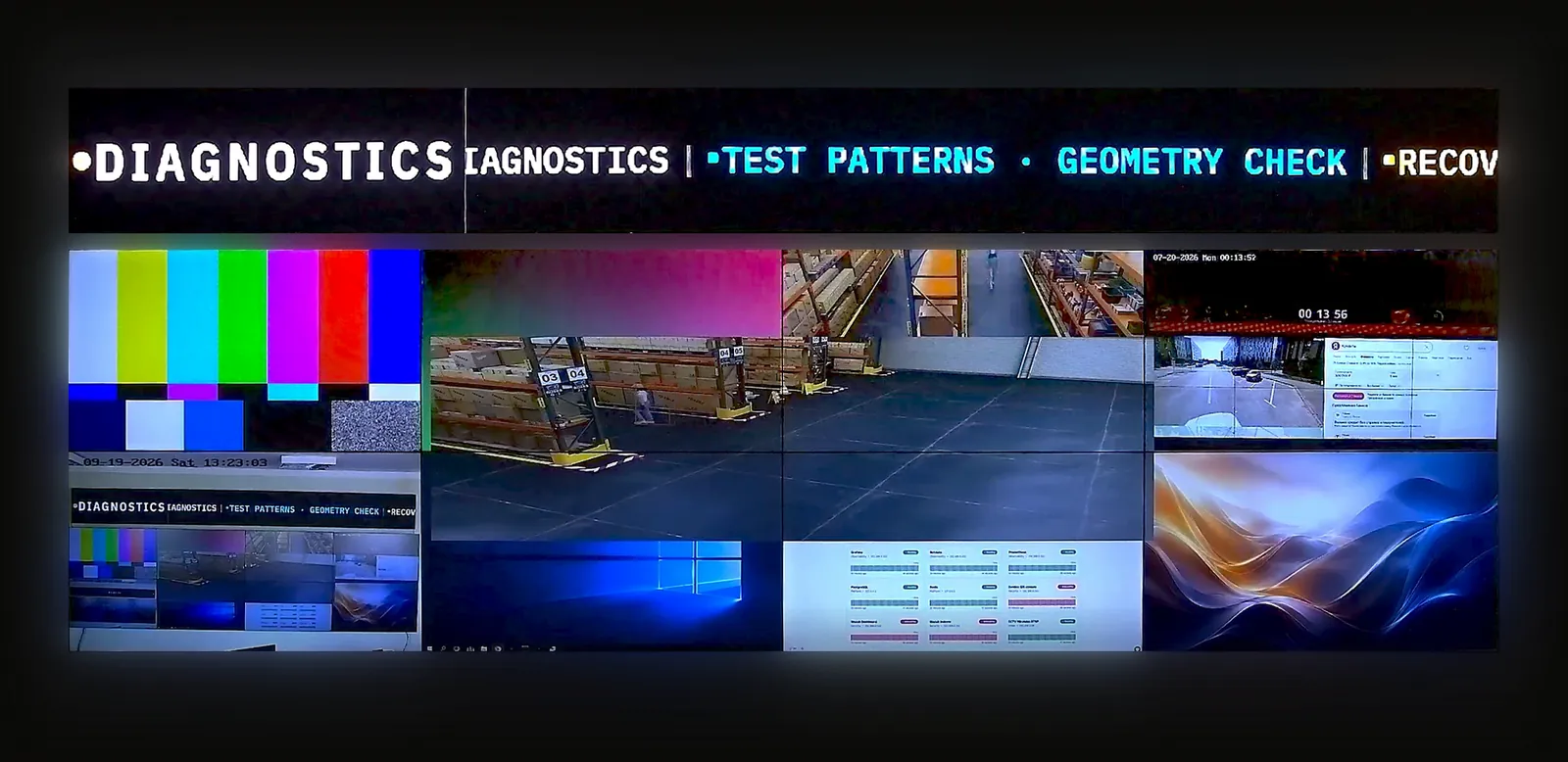
30 minutos no estande ao vivo, por conta própria: interface do operador e câmera voltada para o videowall físico.
Compartilhe o layout das telas, as fontes e os requisitos. Vamos conversar sobre a configuração e preparar um orçamento.
Para integradores e revendedores que avaliam software para projetos de clientes.