En bref
Un mur d'images pour l'hôtellerie est généralement une surface à usage mixte : signalétique destinée aux clients, affichage d'événements en direct, orientation, contenu de marque, programme du lieu, tableau de bord d'exploitation ou vue de réponse aux incidents. Les hôtels, casinos, resorts et lieux de conférence devraient séparer la couche de contenu public de la couche de contrôle opérationnel avant de choisir les écrans ou le logiciel de mur.
Mur d'images pour l'hôtellerie : types de salles utiles
Les acheteurs de l'hôtellerie emploient souvent une même expression pour plusieurs murs différents. La bonne conception dépend de la salle propriétaire du mur et de qui est autorisé à le modifier.
- Mur de hall d'hôtel : contenu de marque, programme des événements, orientation, météo, transport, promotions et avis d'urgence.
- Mur de lieu de conférence : programme, changements de salle, contenu des sponsors, diffusion en direct, retour conférencier et état de l'exploitation de l'événement.
- Mur de casino ou de resort : flux de divertissement, synthèses de vidéosurveillance, pression sur les files, programme du lieu, communication d'incident et coordination des événements VIP.
- Mur d'exploitation des coulisses : charge de la réception, entretien des chambres, installations, sécurité, tickets, effectifs, maintenance et incidents ayant un impact client.
Signalétique destinée aux clients vs mur d'exploitation
La signalétique destinée aux clients privilégie le soin visuel et le contenu programmé. Un mur d'exploitation privilégie la fiabilité des sources, les changements rapides de disposition et la coordination du personnel. Un écran de hall peut nécessiter un contenu conforme à la marque et de l'orientation. Un mur des coulisses peut nécessiter des files de tickets, des vues caméra, des alertes HVAC, des tableaux de bord POS ou PMS, la météo et la réponse aux incidents.
Faire passer les deux par une simple playlist de signalétique peut fonctionner pour de petits halls, mais cela échoue lorsque des flux d'événements en direct, des tableaux de bord par navigateur, des caméras RTSP et des préréglages d'incident doivent partager le canevas. Pour la version « boardroom » d'entreprise de ce problème, voir le guide du mur d'images pour boardroom et entreprise.
Mélange de sources pour l'hôtellerie
| Classe de source | Exemples | Besoin de contrôle |
|---|---|---|
| Contenu programmé | Vidéo de marque, orientation, programme d'événement, contenu des sponsors, promotions | Contrôle par playlist et calendrier |
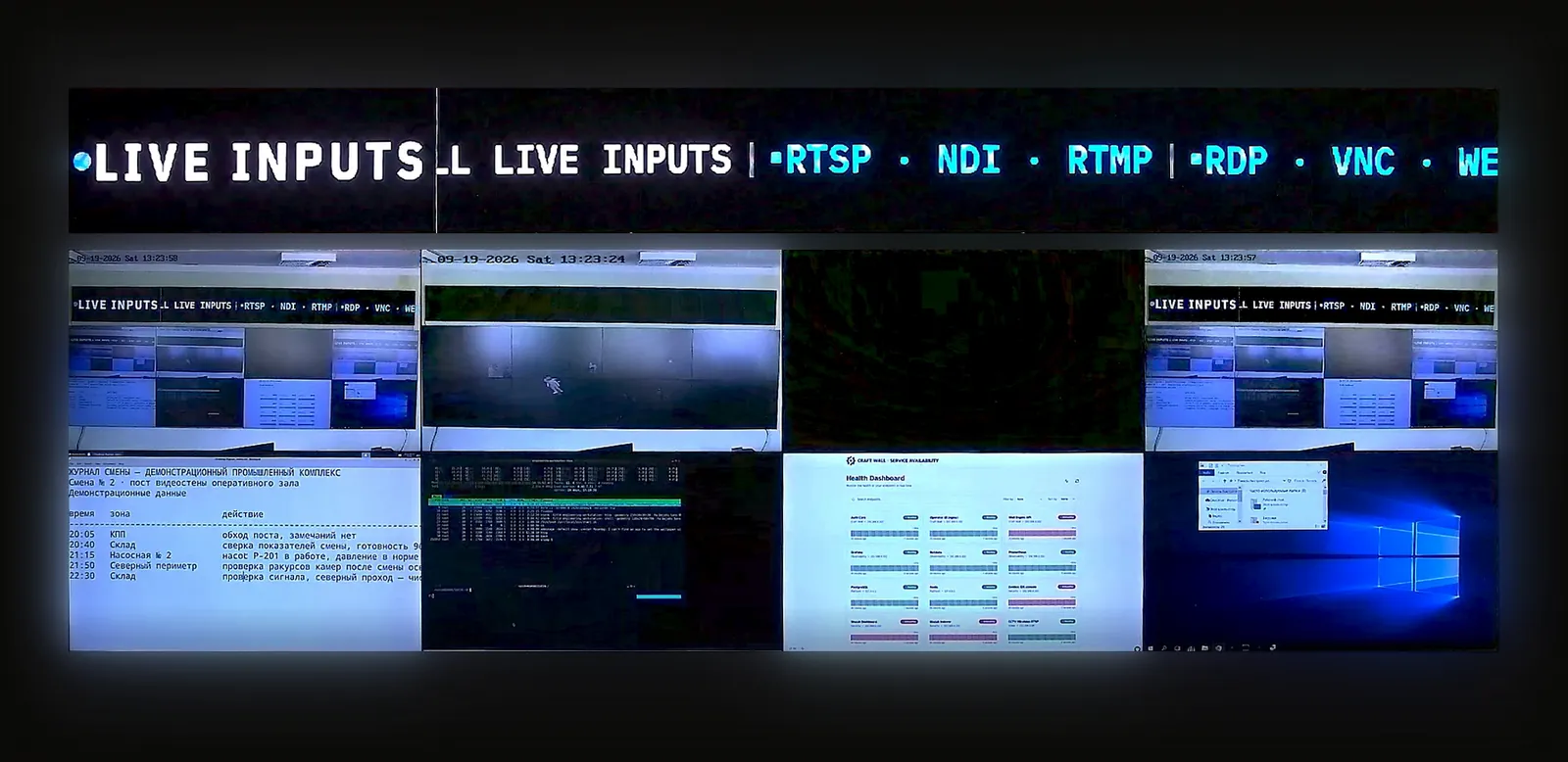
| Vidéo en direct | Flux d'événement, IPTV, caméras RTSP, flux NDI, retour broadcast | Mise en avant rapide des sources et repli |
| Tableaux de bord d'exploitation | Installations, sécurité, POS, PMS, billetterie, météo, état des files | Rendu par navigateur et accès selon le rôle |
| Mode urgence | Avis d'évacuation, carte d'incident, contrôle d'accès, instructions au personnel | Préréglage verrouillé et piste d'audit |
Quand le contrôle de mur défini par logiciel convient
Le contrôle de mur logiciel convient aux projets d'hôtellerie lorsque le mur a besoin de plus qu'une lecture de playlist : flux d'événements en direct, tableaux de bord par navigateur, modes de salle nommés, dispositions réservées au personnel, mise en avant des sources et un modèle de contrôle local. Il est particulièrement utile pour les hôtels et les lieux où une même surface d'affichage bascule entre contenu public, production d'événement et exploitation.
Il peut être surdimensionné pour un petit hall qui n'exécute qu'un programme de signalétique. Dans ce cas, un CMS de signalétique suffit souvent. Utilisez le guide de dimensionnement du mur d'images pour séparer le nombre de sources du nombre d'écrans, puis comparez le coût des modèles logiciel, abonnement et contrôleur matériel dans le calculateur de coût de mur d'images.
Liste de contrôle pour l'achat
- Séparer les modes public et personnel : signalétique, événements, exploitation, urgence et repli en dehors des heures d'ouverture.
- Compter les sources en direct : IPTV, NDI, RTSP, tableaux de bord par navigateur, capture HDMI, flux de calendrier et vues d'urgence en veille.
- Définir qui contrôle le mur : AV, réception, événementiel, sécurité, services techniques ou responsable de permanence.
- Modéliser le coût sur 5 ans : écrans, contrôleur ou serveur, CMS, logiciel de mur, support, formation et cycle de renouvellement.
À lire ensuite
Utilisez cette page avec le guide du mur d'images d'exploitation de stade et d'événements pour les flux de travail d'événements en direct, le guide du mur d'images pour boardroom et entreprise pour les salles de direction, et la comparaison des logiciels de mur d'images avant de présélectionner des fournisseurs.