En bref
Un mur d'images pour la régulation énergétique n'est pas un moniteur SCADA agrandi. C'est la couche opérationnelle partagée des superviseurs, régulateurs, coordinateurs de terrain et responsables d'incident qui doivent voir ensemble l'état du réseau, les alarmes, les cartes, la réponse aux pannes, la météo, la CCTV et l'état des ordres de travail. La chaîne de contrôle primaire SCADA / EMS / DMS reste sur les consoles opérateur homologuées.
Ce qui doit figurer sur le mur en conduite de réseau
Dans un centre de conduite de réseau de transport ou de distribution, le mur doit combiner l'état opérationnel et le contexte. Un mélange de sources utile comprend les écrans de synthèse SCADA, les résumés EMS / DMS, l'état des postes électriques, les cartes GIS, les grappes de pannes, l'affectation des équipes, le risque météo et la CCTV en direct des postes ou des sites de terrain.
Pour un mur d'images de conduite de réseau, ne dimensionnez pas la disposition autour d'une seule carte géante. Conservez une vue d'exploitation stable et réservez de l'espace pour l'escalade : briefings de manœuvre d'urgence, tableaux de bord de réponse aux tempêtes, état des communications publiques et synthèses pour la direction lors d'un événement majeur.
Mur d'images SCADA : visualisation secondaire uniquement
Un mur d'images SCADA doit afficher des synthèses homologuées en lecture seule, sans devenir le système de contrôle. Les commandes, les manœuvres, les actions de protection et les procédures opérateur réglementées restent dans le HMI primaire et les applications de régulation. Le mur aide toutes les personnes présentes dans la salle à comprendre la même situation sans étendre le périmètre de contrôle certifié.
C'est la même frontière architecturale que dans les salles de contrôle des transports et les centres de commandement à accès restreint : système primaire d'abord, mur partagé ensuite, audit et repli autour de chaque source.
Pipelines, raffineries et services industriels
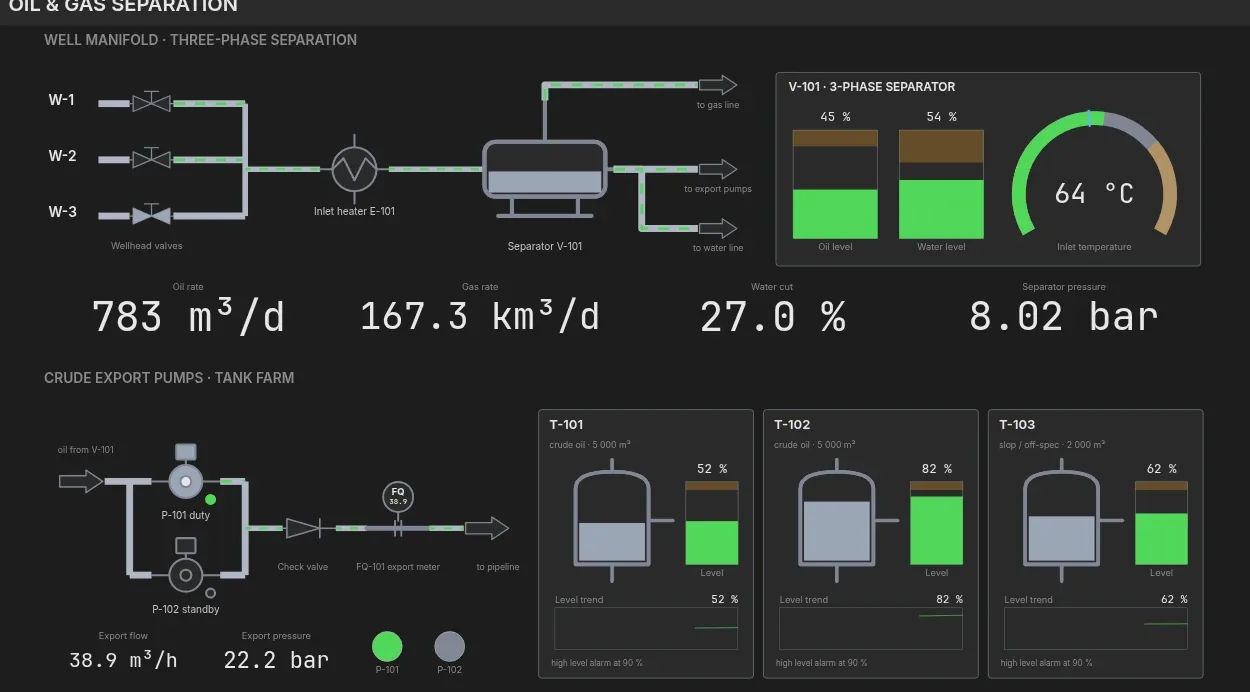
La régulation de pipeline, l'exploitation de raffinerie, les services d'eau et les installations industrielles présentent la même séparation. Le mur peut afficher les synthèses SCADA, la CCTV, l'état des réservoirs ou des zones de pression, les stations de pompage, les fenêtres de maintenance, les avis de sécurité et les tableaux d'incidents. Il ne doit pas devenir l'endroit où les opérateurs exécutent des commandes de contrôle de procédé.
Pour les sites à accès restreint, associez l'exigence à une architecture de mur d'images compatible air-gap: contrôle local, rendu local, dispositions nommées, état de santé des sources et fonctionnement dégradé prévisible lorsqu'un réseau externe est indisponible.
Liste de contrôle de la spécification
- Tableaux de bord SCADA, EMS, DMS, GIS, BI et ordres de travail rendus par navigateur comme sources de premier ordre.
- Acquisition RTSP / NDI / caméra web pour les postes électriques, les installations, les parcs et les sites de terrain.
- Dispositions nommées pour la surveillance normale, les pannes, la réponse aux tempêtes, la maintenance, la formation et le briefing pour la direction.
- Indicateurs d'état de santé des sources pour les tableaux de bord obsolètes, les échecs d'authentification et les flux manquants.
- Contrôle sur site par défaut, le contrôle dans le cloud étant traité comme une exception explicite.
- Un modèle de coûts incluant le renouvellement du contrôleur, le matériel de capture, le support et la formation des opérateurs. Utilisez le guide TCO logiciel vs matériel pour la comparaison de référence.